©Dyness reserves the copyright of this document
Extended Junior Box
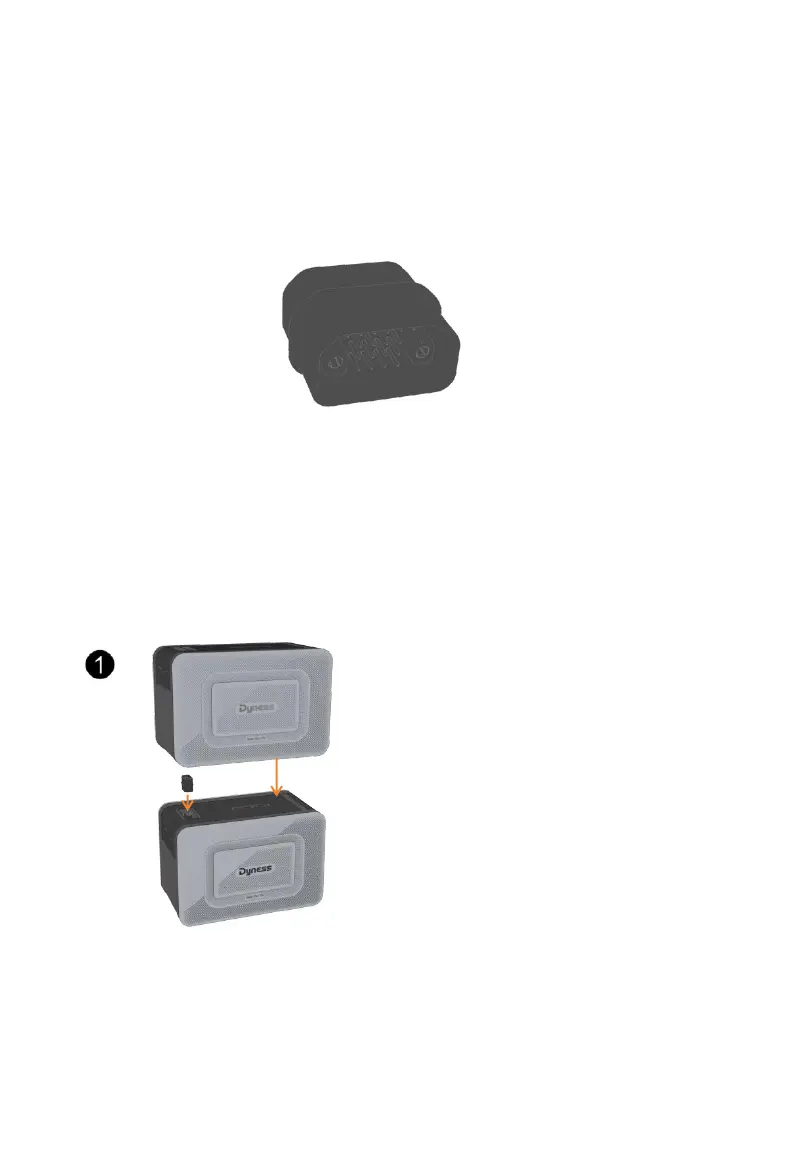
Junior Box supports up to 3 stack expansions (Extended Battery)* with a capacity of 6.4KWh
1.
Install the stack connector* on the battery expansion port on the top of the bottomExtended
Battery , and stack the Junior Box on the bottom module.
*The stack connector is an extended battery accessory
2. Connect the Junior Box(built-in MPPT module) to the micro inverter using the included MC4
DC Output Cable(3m).
3. Connect the micro inverter to a home outlet using the original cable.
4. Connect solar panels to Junior Box using Solar Panel Extension Cable
Install the stack connector on the battery
expansion port on the top of the bottom module



 To Next Page