ATC770 Microprocessor-Based Pressure/Process Controller 29
5.4.1 SETTING THE REMOTE SET POINT INPUT VOLTAGE OR CURRENT
To change or view the Remote Set Point selection parameter, press the FUNC key until
nonE
and
GROUP
show on the display. Press the ▲ key until
5
shows in the upper display. Press the FUNC
key until the lower display changes to
RI.TYP
. Using the ▼ or ▲ keys, select the voltage or current
input desired: (0-10 VDC, 0-20 mA or 4-20 mA sources or
OFF
). When finished, press the FUNC
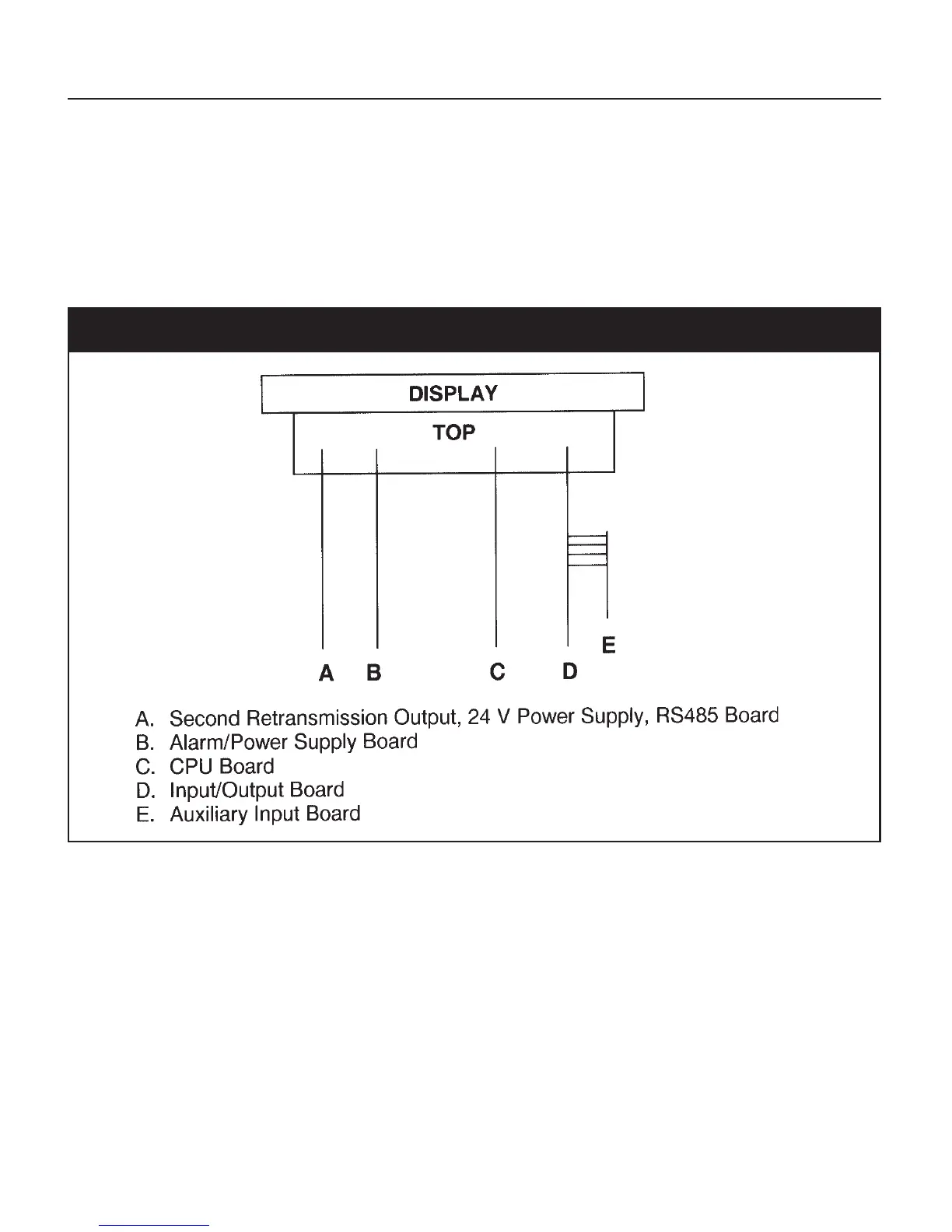
key to lock in the value. To select the jumper setting necessary, see Figure 5 below:
Fig. 5 ATC770 Board Location



 To Next Page