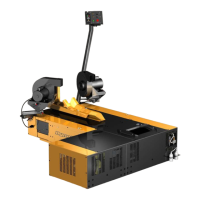
Above Ground Model 250i Motorcycle Dynamometer Installation Guide
3-10
CHANGING THE BRAKE PADS
To prevent possible injury, open the CPI door and set the main breaker to
the off position and unplug the dyno. Refer to “Main Dyno Power” on page
3-2 for breaker location.
1 Remove the top and right side covers from the dyno. Refer to page 2-4 and
page 2-5 for more information.
2 For safety, apply the brake and disconnect the air supply at the front of the dyno.
Refer to Figure 3-3 on page 3-4.
3 Remove the hairpin cotter and loosen the castle nut until the pads clear the rotor.
Figure 3-11: Loosen the Castle Nut
remove hairpin cotter
adjust castle nut
outboard brake pad


 To Next Page