EasyManua.ls Logo

Dyon SMART 43 X-EOS - Menu Settings; Menu Picture

Dyon SMART 43 X-EOS
58 pages
Print Icon
To Next Page IconTo Next Page
To Previous Page IconTo Previous Page
Loading...
EN
DYON SMART 43 X-EOS
33
11 Menu Settings
Press the button, select All Settingsand press the OK
button.
11.1 Menu Picture
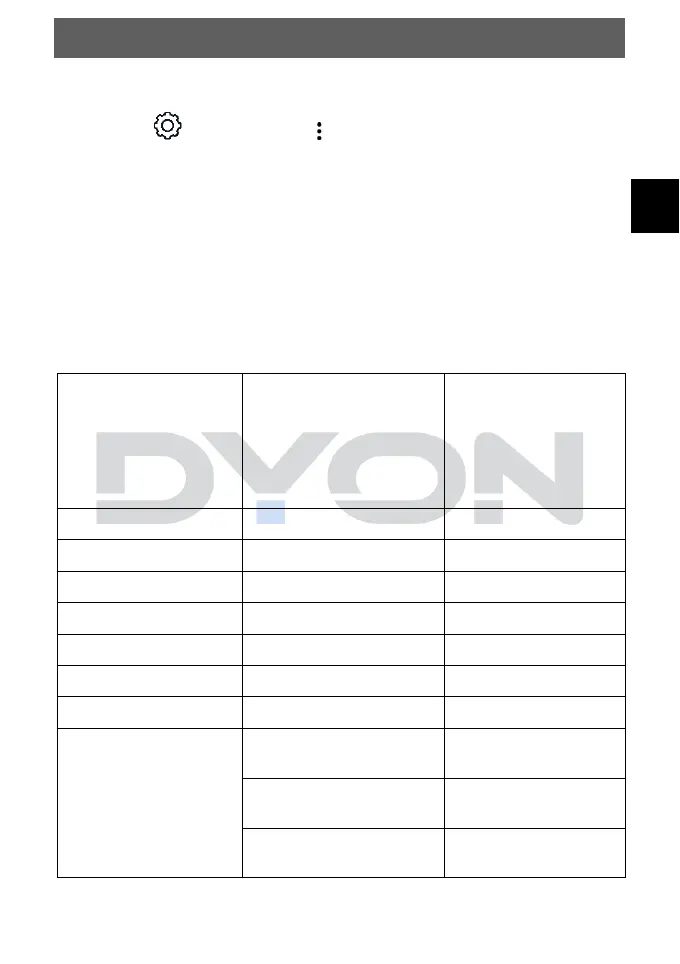
In this menu you can set the picture settings such as Picture
mode, Aspect ratio etc. Select the desired setting and press the
OK button.
Description of the individual menu items
Picture mode
settings
Select a picture mode
or set the settings
such as contrast,
color, etc.
Vivid, Eco, Cinema,
Sports
Backlight
Setting 0-100
Contrast
Setting 0-100
Brightness
Setting 0-100
Sharpness
Setting 0-50
Colour
Setting 0-100
Tint
Setting R50-G50
Colour Temperature
Setting W50-C50
Advanced Controls
Dynamic Contrast
Off, Low, Medium,
High
Dynamic Colour
Off, Low, Medium,
High
Gamma
Low, Medium, High1,
High2