EasyManua.ls Logo

Dyon SMART 43 X-EOS - Menu Sound

Dyon SMART 43 X-EOS
58 pages
Print Icon
To Next Page IconTo Next Page
To Previous Page IconTo Previous Page
Loading...
EN
DYON SMART 43 X-EOS
35
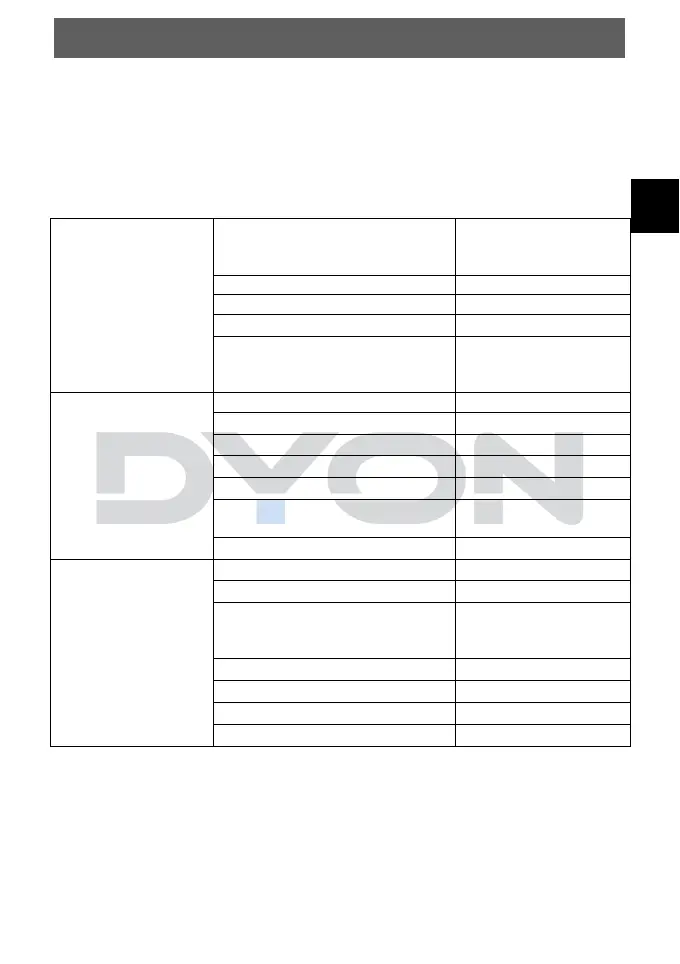
11.2 Menu Sound
In this menu you can set the settings for the sound mode and
change the audio output. Select the desired setting and press
the OK button.
Description of the individual menu items
Sound Mode
Settings
Sound Mode
Standard, Cinema,
Clear Voice III, Sports,
Music, Game
Balance
Setting L50-R50
Ultra-Surround
On/Off
Equalizer
On/Of
Reset (revert detailed sound
effect settings of standard
mode to default)
Sound Out
Internal TV Speaker
Optical
HDMI ARC
Wired Headphones
Optical + Internal TV Speaker
Wired Headphones + Internal
TV Speaker
Headphone Volume
Setting 0-100
Additional Settings
TV Installation Type
Stand, Wall-mounted
Volume Mode
DTV Audio Setting
MPEG, Dolby Digital,
Dolby Digital Plus,
HE-AAC, Auto
AV Sync Adjustment
Setting 0-60
HDMI Input Audio Format
LG Sound Sync
On/Off
Digitale Sound Out