EasyManua.ls Logo

DZS 1664WC - Product Hardware Description; Product Appearance Description; Button Description; LED Description

DZS 1664WC
9 pages
Print Icon
To Next Page IconTo Next Page
To Previous Page IconTo Previous Page
Loading...
3
02 Product Hardware Description
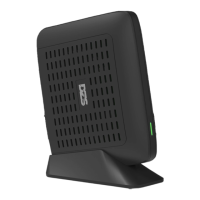
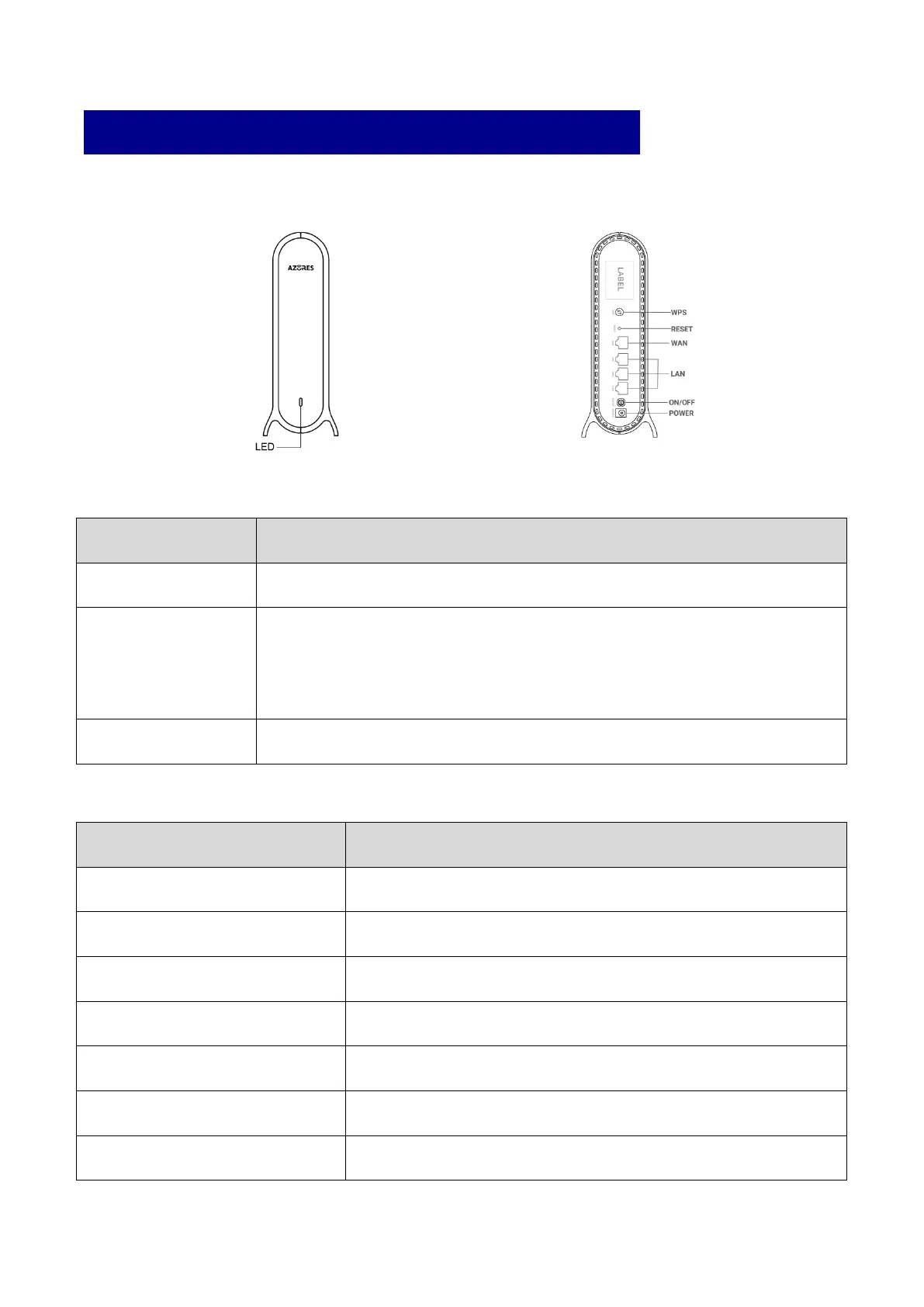
Product Appearance Description
Button Description
Button
Function
WPS
Set the WPS process.
Reset
Short press (1 second) for reset the router;
Long press (5 seconds or longer) for reset to factory default settings.
* Operate after the LED is Blinking Green/Steady Green.
ON/OFF
Power on and off the router.
LED Description
LED Behavior
Scenario
Dark
No Power
Steady Red
Powering up
Blinking Red
No network cable connected
Blinking Green
Network connection in progress
Steady Green
Function normally and can access the Internet
Blinking Blue
WPS or Mesh pairing in progress
Steady Blue
Pairing successful

Related product manuals