Chimney Sweep Push-Button PB4
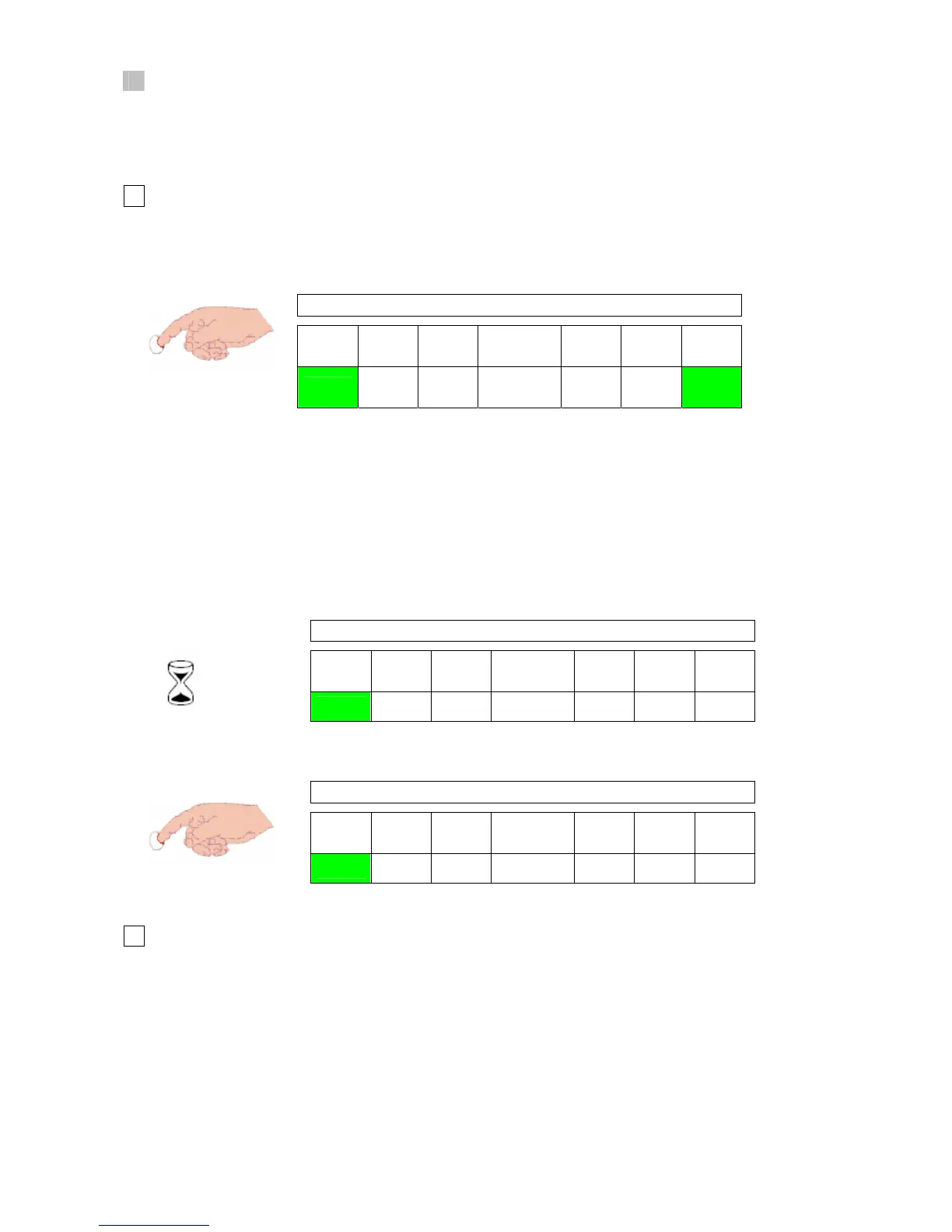
Chimney sweep push-button PB4 has two functions:
a) to activate the chimney sweep mode,
b) to activate the minimum and maximum running mode without modulation.
Chimney Sweep Mode
a
- If the push-button PB4 is pressed more than 3 seconds and less than 5 seconds, chimney sweep
mode is activated (fig. 21a).
Chimney sweep mode is active.
L1 L2 L3
7 segment
display
L7 L8 L9
ON OFF
88
OFF OFF
fast
blink
fig. 21a
- Appliance operates in maximum load without modulation.
- The chimney sweep mode remains activated for 20 minutes (fig. 21b) or it can be deactivated by
pressing the push-button again more than 3 seconds and less than 5 seconds (fig. 21c). If chimney
sweep mode is started in stand-by mode, the system goes back to stand-by mode after the
deactivation of chimney sweep mode.
38
after
20 min
fig. 21b
Stand – by
L1 L2 L3
7 segment
display
L7 L8 L9
ON OFF OFF
88
OFF OFF OFF
fig. 21c
Stand – by
L1 L2 L3
7 segment
display
L7 L8 L9
ON OFF OFF
88
OFF OFF OFF
Running Mode
b
- Running mode selection is activated by pressing the push-button PB4 more than 5 seconds
(fig. 22a). It is possible to operate the appliance in minimum or maximum load without modulation
by turning the CH potentiometer for selection.
- After pressing the PB4, the appliance will operate in minimum or maximum load depending on
the position of the CH potentiometer.



 To Next Page