EasyManua.ls Logo

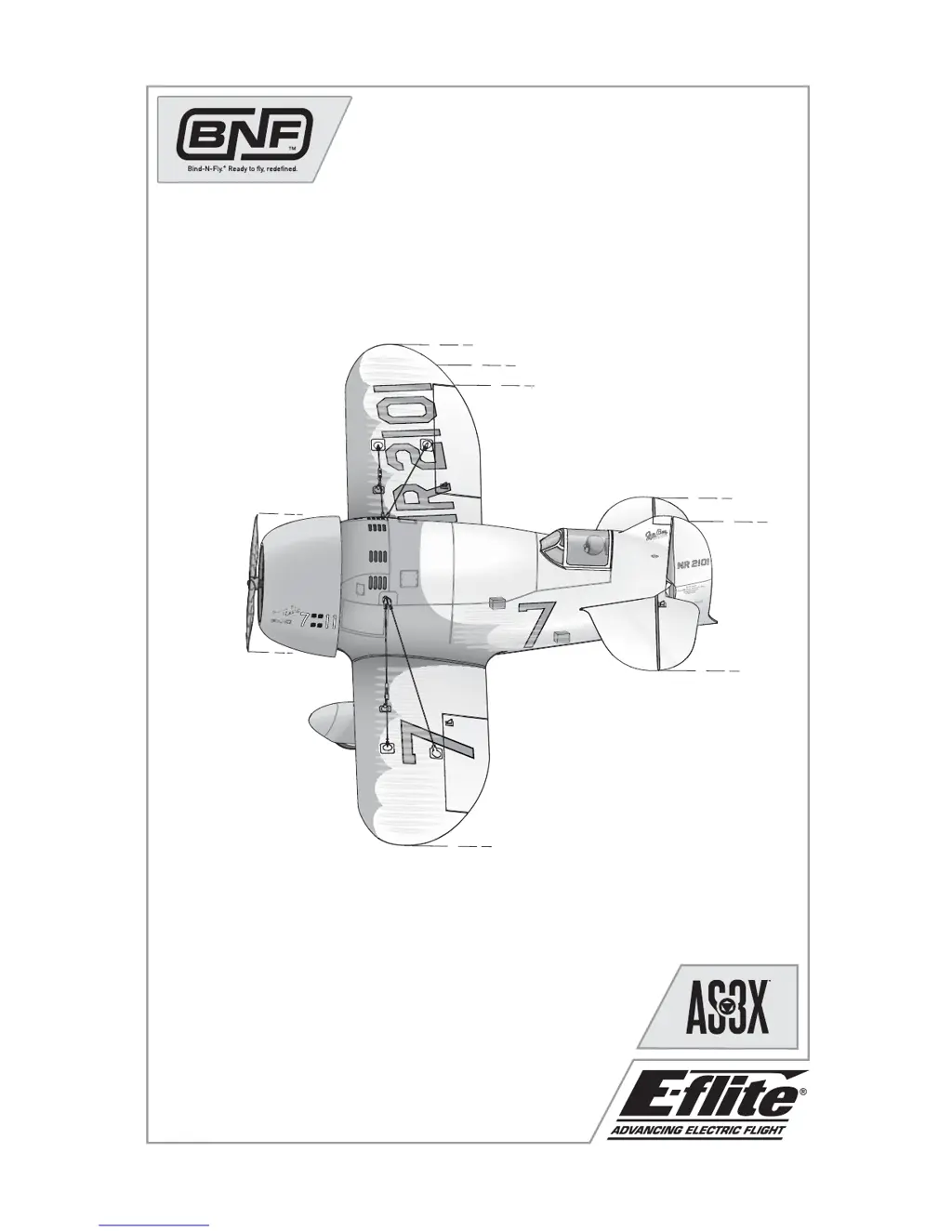
E-FLITE UMX GEE BEE R2 - User Manual

E-FLITE UMX GEE BEE R2
21 pages
Print Icon
To Next Page IconTo Next Page
Loading...
Instruction Manual
Bedienungsanleitung
Manuel d’utilisation
Manuale di Istruzioni
UMX
GEE BEE
®
R2

Questions and Answers

  • E
    Erik WebbJul 30, 2025
    Why is my E-FLITE Toy losing power during flight?
    • A
      Amy BarrettJul 30, 2025
      Several factors could be causing the reduced flight time or underpowered aircraft. The flight battery charge may be low, so completely recharge it. The propeller might be installed backwards; ensure the numbers face forward. The flight battery could be damaged, in which case it should be replaced, following all battery instructions. Cold flight conditions can also affect performance, so warm the battery before use. Alternatively, the battery capacity may be too low for the flight conditions, requiring a replacement with a larger capacity battery.
  • J
    Joshua CollierAug 3, 2025
    What to do if my E-FLITE UMX GEE BEE R2 will not respond to throttle?
    • N
      Nina NguyenAug 3, 2025
      If your E-FLITE Toy isn't responding to the throttle but other controls are working, there are a few things to check: First, ensure the throttle stick and throttle trim are at their lowest settings by resetting the controls. Second, verify that the throttle channel isn't reversed by checking and, if needed, reversing it on the transmitter. Finally, make sure the motor is properly connected to the receiver by opening the fuselage and checking the connection.
  • A
    Alicia SmithAug 7, 2025
    Why does my E-FLITE UMX GEE BEE R2 have extra propeller noise?
    • J
      jbakerAug 7, 2025
      If you're experiencing extra propeller noise or vibration with your E-FLITE Toy, here's what to check: * Examine the propeller, spinner, and motor for any damage and replace any damaged parts. * Ensure the prop screw is tightened. * Check the propeller balance and balance it if necessary.
  • C
    Courtney BarnesAug 11, 2025
    What to do if my E-FLITE Toy controls oscillate in flight?
    • V
      Victoria CruzAug 11, 2025
      If the controls on your E-FLITE Toy are oscillating in flight, causing rapid jumps or movements, there are two likely causes: 1. An unbalanced propeller causing excessive vibration. Remove the propeller and rebalance it, or replace it if it's damaged. 2. A loose prop screw causing vibration. Tighten the prop screw to resolve this issue.
  • T
    Terry HuntAug 16, 2025
    Why won't my E-FLITE UMX GEE BEE R2 bind to the transmitter?
    • D
      Daisy WardAug 16, 2025
      If the LED on the receiver of your E-FLITE Toy is flashing and it won't bind to the transmitter, it could be due to the transmitter being too close to the aircraft during binding. Power off the transmitter, increase the distance between the transmitter and the aircraft, disconnect and reconnect the flight battery to the aircraft, and then follow the binding instructions. Another possibility is that the bind switch or button wasn't held long enough during the bind process. Power off the transmitter and repeat the bind process, making sure to hold the transmitter bind button or switch until the receiver is bound.
  • C
    Casey FlowersAug 20, 2025
    How to fix inconsistent flight patterns of my E-FLITE UMX GEE BEE R2 Toy?
    • V
      Victoria LucasAug 20, 2025
      If your E-FLITE Toy model flies inconsistently from flight to flight, it may be due to trims being moved too far from the neutral position. Neutralize the trims and mechanically adjust the linkages to center the control surfaces.
  • L
    luis94Aug 25, 2025
    How to center control surfaces on E-FLITE UMX GEE BEE R2 Toy?
    • L
      leenicoleAug 26, 2025
      If the control surfaces of your E-FLITE Toy are not at the neutral position when the transmitter controls are at neutral, it could be because the control surfaces may not have been mechanically centered at the factory. To fix this, center the control surfaces mechanically by adjusting the U-bends on the control linkages. Alternatively, the aircraft may have been moved after the flight battery was connected and before the sensors initialized. In this case, disconnect and reconnect the flight battery while keeping the aircraft still for 5 seconds.

Summary

Preflight and System Features

AS3 X Stabilization

Electronic enhancement for smooth flight performance and full control.

Battery Warnings

Critical safety instructions for handling Li-Po batteries to prevent fire and injury.

Aircraft Setup and Binding

Transmitter and Receiver Binding

Process of programming the receiver to recognize a specific transmitter for operation.

Installing the Flight Battery

Attaching the flight battery to the aircraft's tray and connecting it.

Power System Operation

Arming the ESC

Sequence to enable the Electronic Speed Controller for motor operation after binding.

Low Voltage Cutoff (LVC)

ESC feature protecting battery from over-discharge by reducing motor power.

Control System Calibration

Control Centering

Ensuring flight control surfaces are neutral when transmitter controls are centered.

Settings for Control Horns

Factory settings for linkages on control horns for desired control response.

Control Direction Test

Verifying aircraft control surfaces move correctly and in the proper direction.

Flight Control Tuning

Dual Rates and Expos

Settings for optimizing flight performance with dual rates and exponential.

DX4 e;DX5 e Expo Activation

Steps to activate/deactivate Expo feature on specific Spektrum transmitters.

Flying, Protection, and Repairs

Flying Tips

Recommendations for optimal flying locations and conditions.

Over Current Protection (OCP)

System that protects the ESC from overheating by stopping the motor.

Repairs

Guidance on repairing the model using foam-compatible materials.

Safety and Post-Flight Procedures

Additional Safety Precautions

User responsibility for safe operation and general warnings.

Post Flight Checklist

Steps to follow after flying for safety and battery maintenance.

Service of Power Components

Propeller Service

Instructions for removing and installing the propeller.

Motor and Firewall Service

Procedures for servicing the motor and firewall assembly.

Component Assembly

Steps for reassembling the motor and firewall components.

Troubleshooting Guide

AS3 X System Issues

Solutions for problems related to control surfaces and model consistency.

Throttle and Power Issues

Troubleshooting engine response, noise, and flight time.

Binding and Signal Issues

Resolving problems with receiver flashing and binding to the transmitter.

Control Surface and Linkage Issues

Addressing non-moving or reversed control surfaces and linkage problems.

Motor and ESC Power Loss

Diagnosing and fixing motor power fluctuations and ESC issues.

Servo Issues

Troubleshooting servos that freeze or lock at full travel.

Warranty and Legal Information

What This Warranty Covers

Details the scope of the product warranty, including covered defects.

What is Not Covered

Lists exclusions from the warranty, such as cosmetic damage and misuse.

Purchasers Remedy

Outlines Horizon's sole obligation for service or replacement under warranty.

Limitation of Liability

Defines Horizon's liability limits for damages, profits, or production loss.

Service, Compliance, and Disposal

Warranty and Service Information

Contact details and procedures for warranty support and product service.

EU Compliance Information

Declaration of Conformity and regulatory specifications for European Union compliance.

WEEE Disposal Instructions

Guidelines for proper disposal of waste electrical and electronic equipment in the EU.

Replacement Parts

Part Descriptions

Lists part numbers and brief descriptions for various aircraft components.

Optional Parts and Accessories

Accessory Listings

Details optional parts and accessories available for the aircraft.

Parts Contact Information

Contacting for Parts

Provides contact details for purchasing replacement parts in different regions.

E-FLITE UMX GEE BEE R2 Specifications

General IconGeneral
Flying Weight1.6 oz (45 g)
RadioIncluded
ConstructionFoam
Approximate Assembly TimeLess than 1 hour
Experience LevelBeginner
Recommended EnvironmentOutdoor
Is Assembly RequiredYes
Servos2
Radio System2.4GHz
Control System3 channel

Related product manuals