RLanglois 10.26.16
3
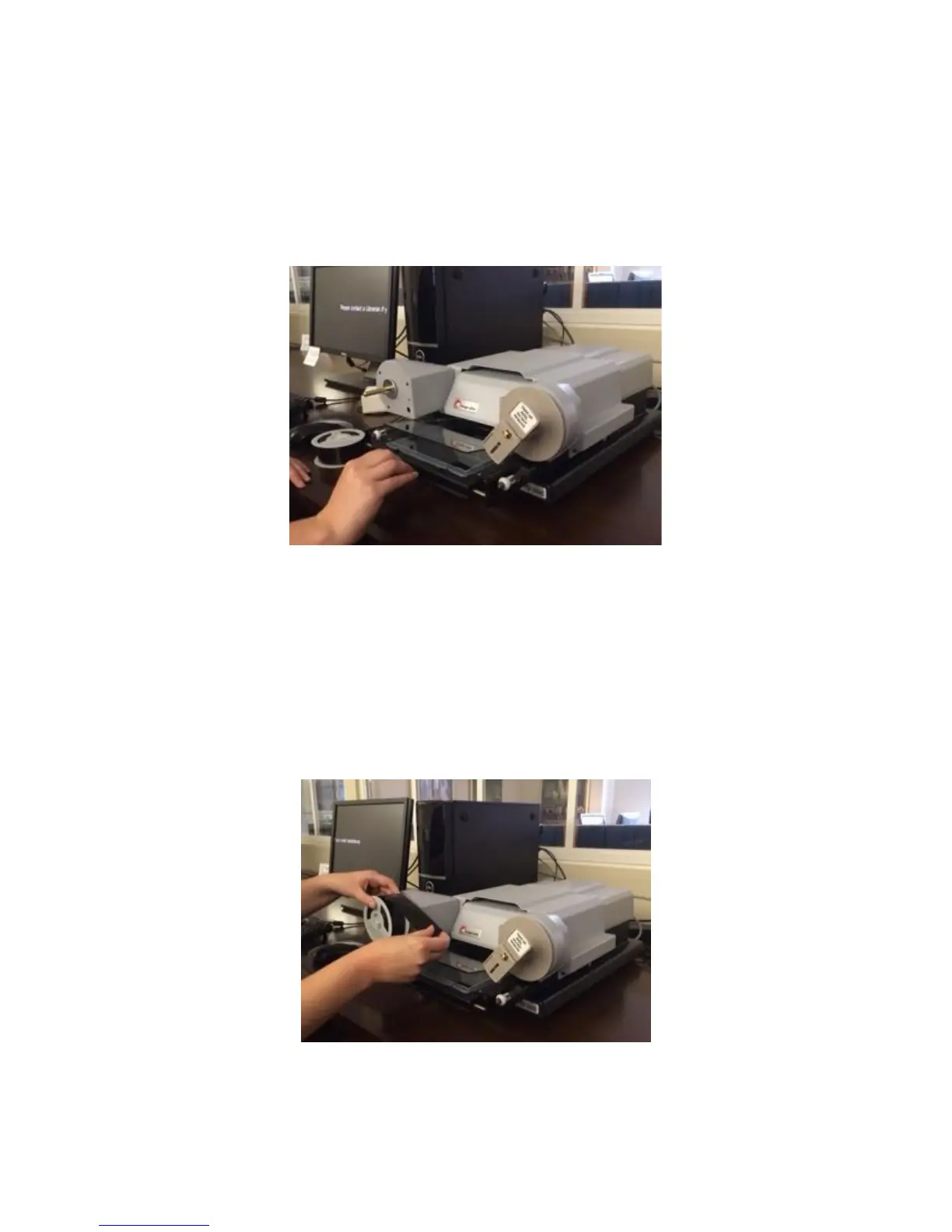
Pull the viewing surface toward you, slowly, as far as it will go.
The top glass pane will open automatically. Make certain that the
glass panes are centered in the open area before you lift to avoid
bumping the glass.
Step 2
If you look at your spool of film, you will see a notch in the center that
matches the shape of the metal peg on the left-hand side of the
machine. Mount the film roll by lining up that notch to the metal
peg. The end of the film should be pointing to the right. Slide the film
roll all the way on, until it can go no further.


 To Next Page