RLanglois 10.26.16
4
Step 3
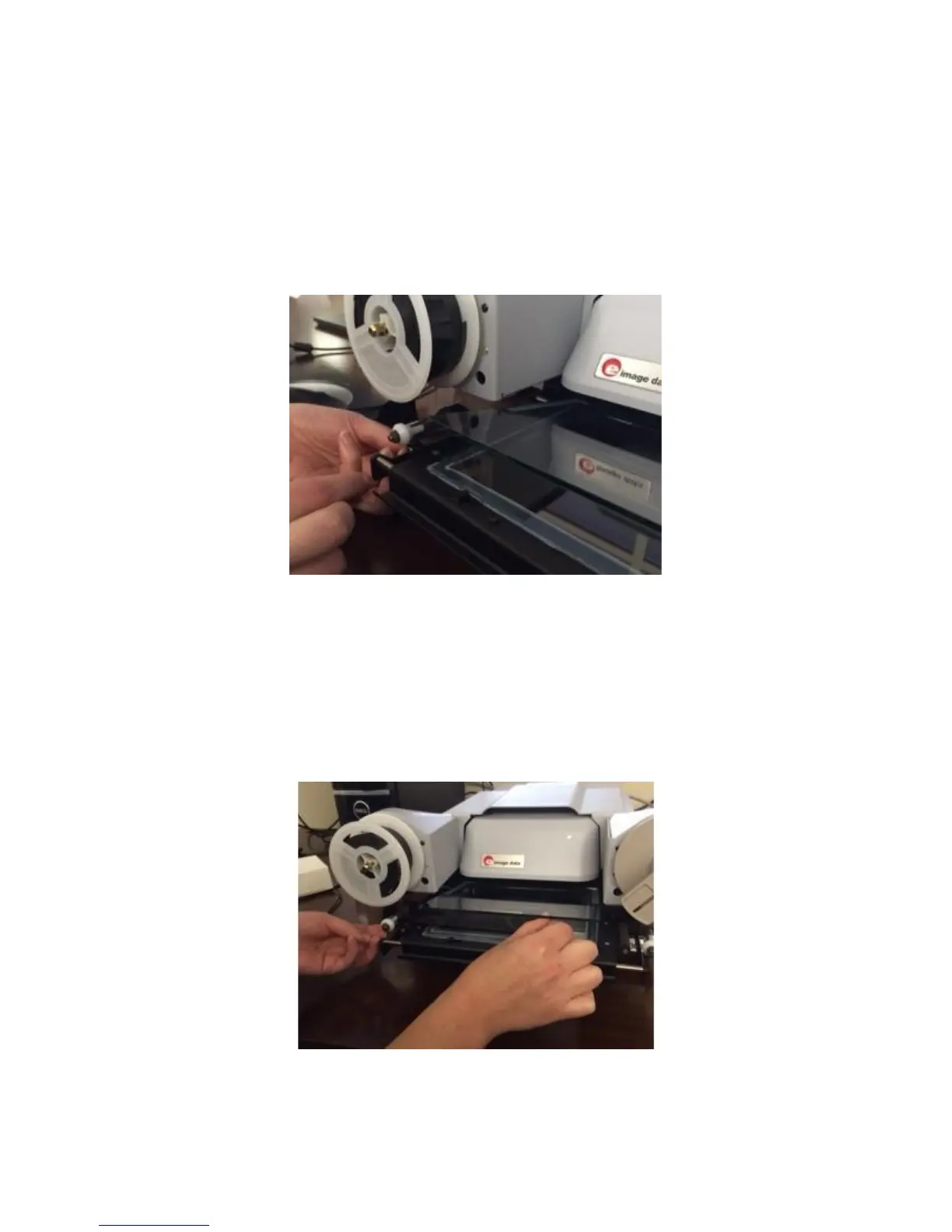
Below the now-mounted film roll you will see two small rollers that are
even with the lower glass pane. Pull the film down, wrap it under the
left-most roller and then over the next roller, before pulling the film
even with the glass pane.
Step 4
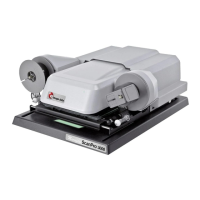
Next, pull the end of the film to the right, dragging it over top of the
lower glass plane and underneath the upper glass plane, so that the
film will be sandwiched between the two when the upper glass is
eventually lowered.
Step 5


 To Next Page