RLanglois 10.26.16
5
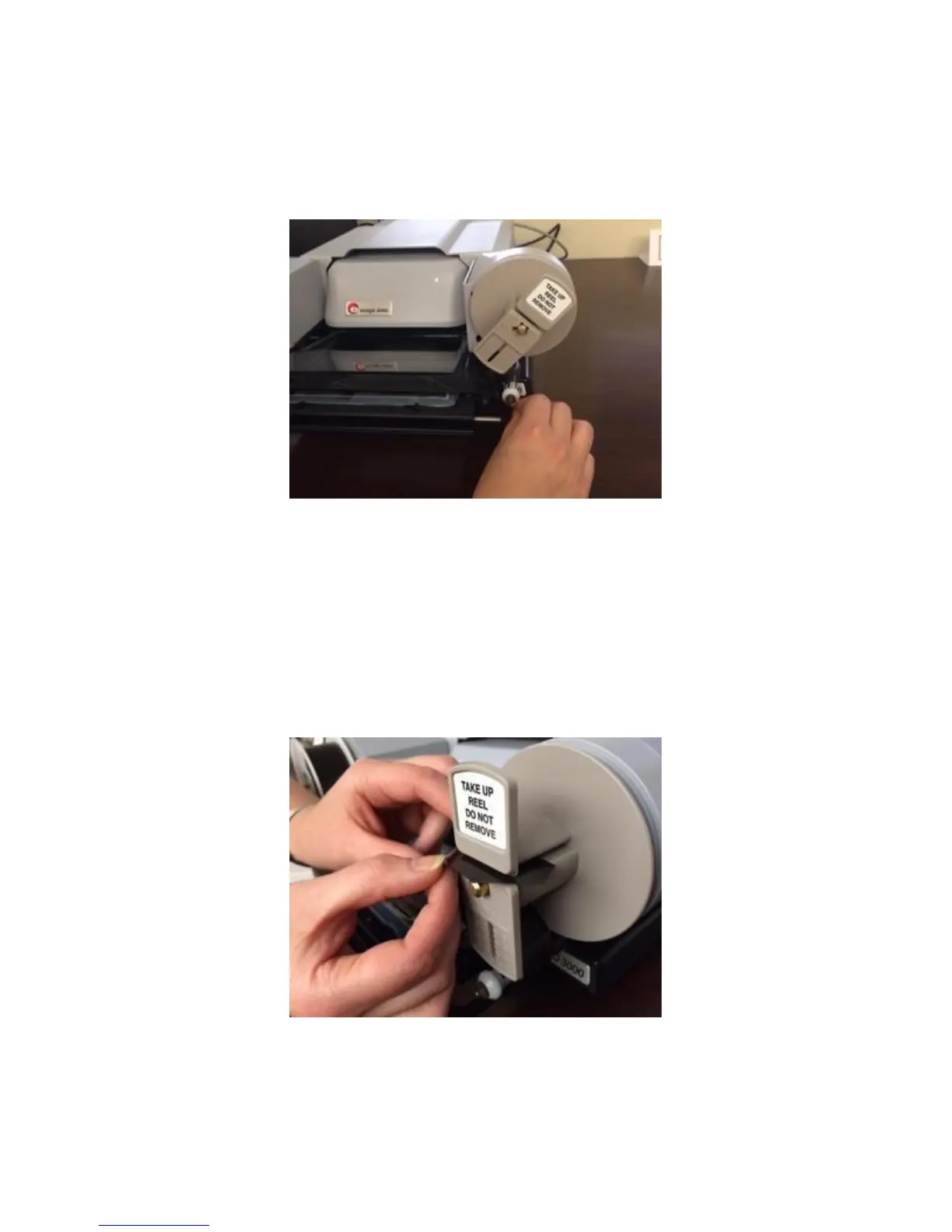
As you come to the set of rollers on the right-hand side of the glass
pane, you will repeat Step 3, but in reverse order: Pull the film over
the left-most roller, and then under the next.
Step 6
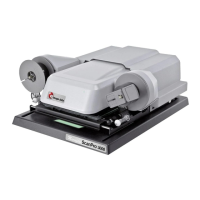
Pull the film up and to the left of the take-up reel (the empty spool)
and insert the end into the gap in the spool. The best way to do this is
from the side (see image). Push until the film end is all the way inside
of the gap (you will feel it being gripped) so that it won’t come loose
when you start winding the reel.
Step 7


 To Next Page