RLanglois 10.26.16
6
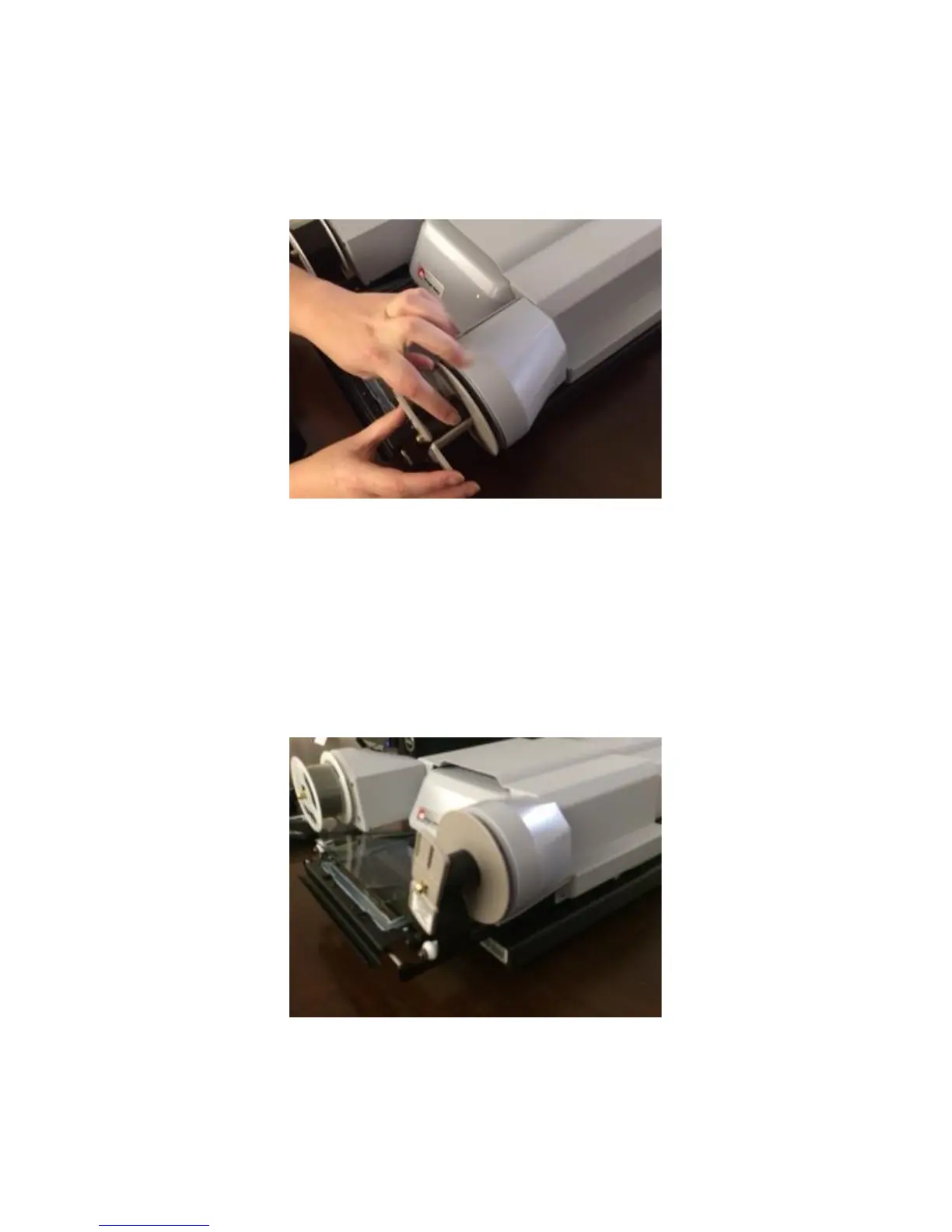
Turn the take-up reel to the right, making sure to turn the reel several
times so that the end of the film is secured—remember that you
have several feet of blank film to wind if necessary.
Step 8
To finish, slowly push the glass plane back in so that it automatically
lowers. Center the now sandwiched film over the square of light
beneath the pane. If you have done this correctly, you should now
see the silhouette of your film (which will be blank at this point) on
the screen in front of you.


 To Next Page