12
Using your display – setting the alarm
To help control your energy spend, you can programme your display to
warn you if you’re spending more on electricity than your chosen amount.
An alarm will alert you when your hourly spend amount is reached.
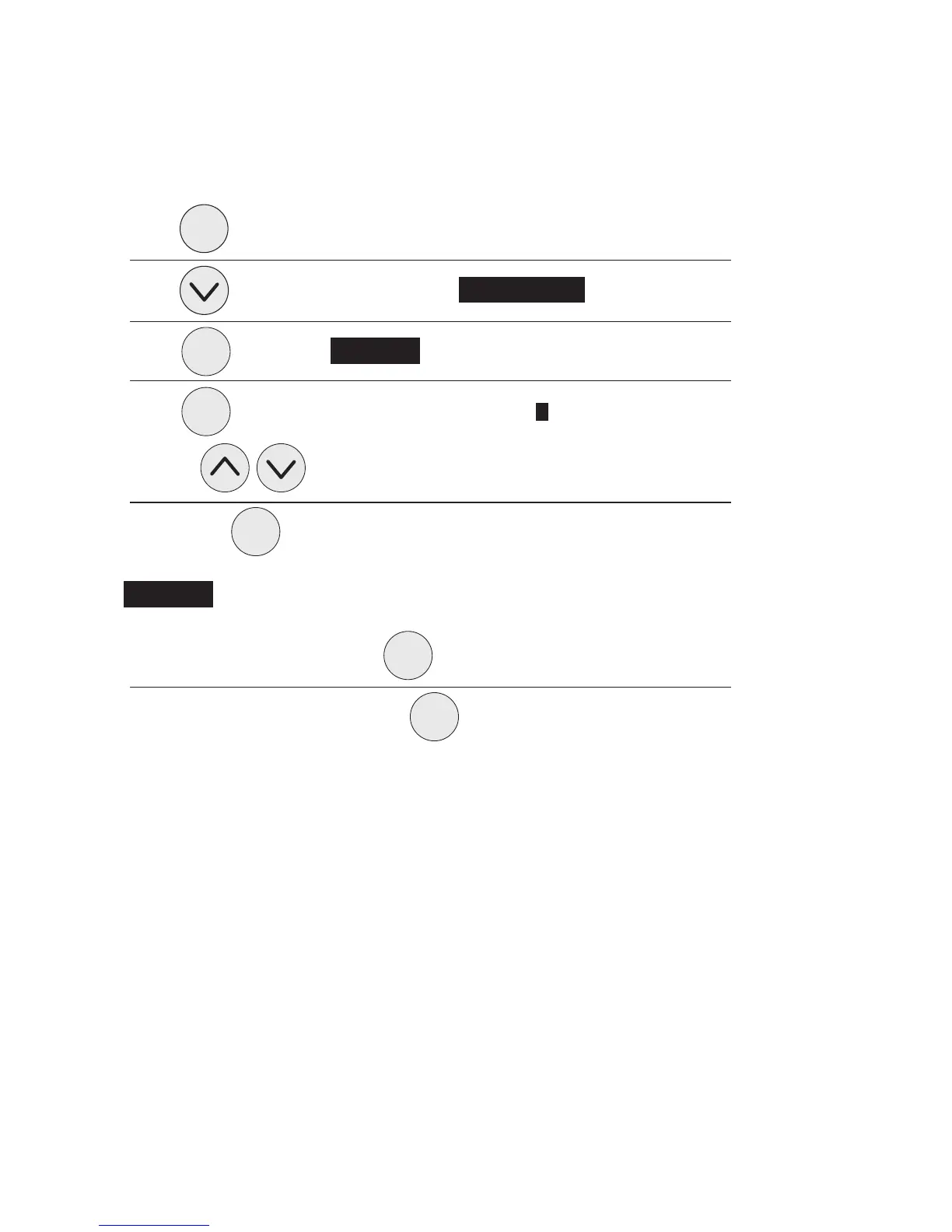
Press once
Press repeatedly until menu item 3 Usage Alarm is highlighted
Press once to see Set Alarm
Press again to highlight the alarm level ie £0.00/Hour ON.
Use the keys
Followed by to enter your energy cost value
Set Alarm will be displayed followed by your set value
To exit to the main menu press
To resume normal operation press again
You can update your £/Hour amount as often as you like.
enter
enter
enter
menu
menu
menu


 To Next Page