Using your display – setting the key tone
Each time you press a button, a tone will sound. Use this menu
option to turn the tone on and off, according to your preference.
enter
enter
menu
menu
enter
enter
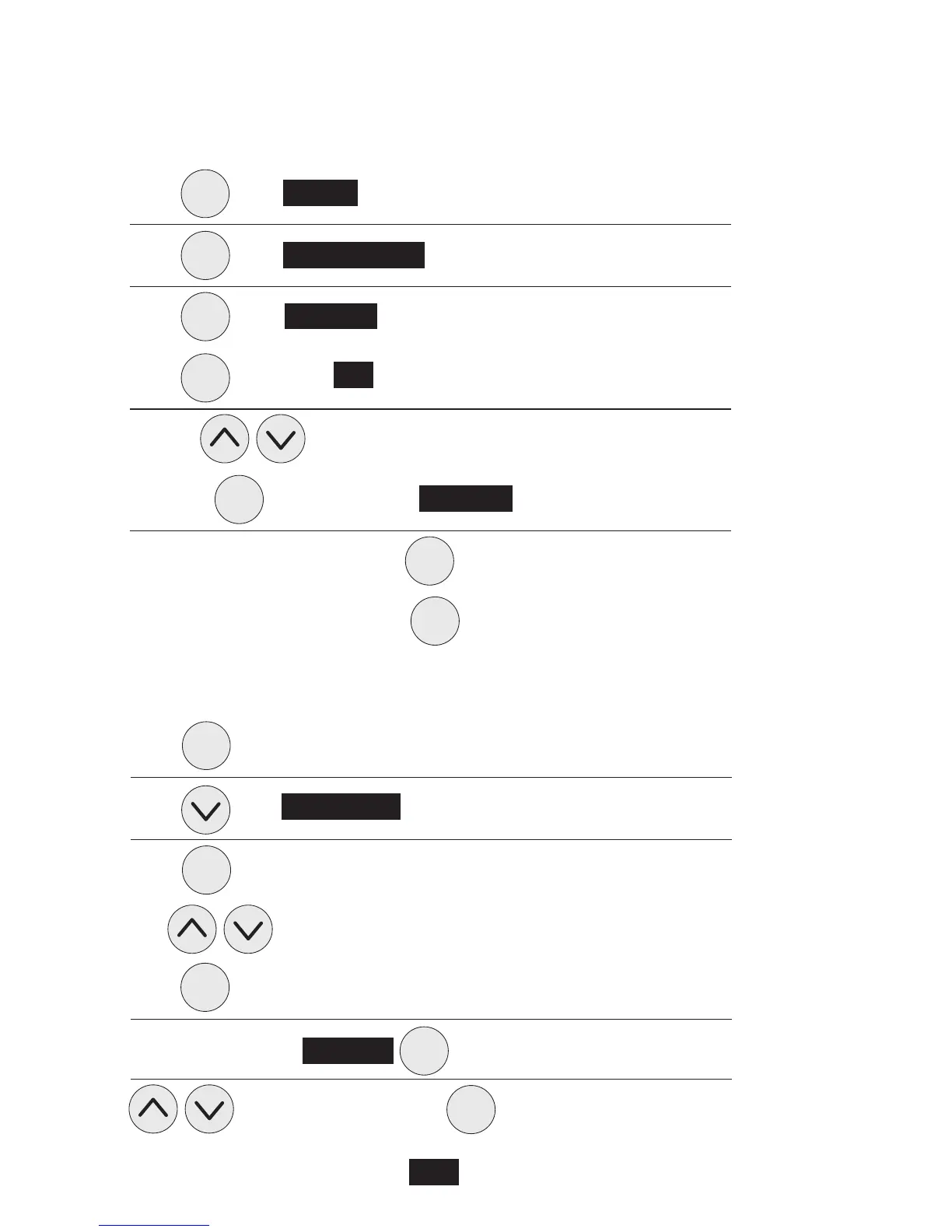
Press once. 1 Set-Up will be highlighted
Press once. 1 Buzzer Options will be highlighted
Press once. Set Buzzer will be highlighted
Press to highlight ON
Use the keys to toggle ON/OFF
and press again to highlight Set Buzzer O
To return to the main menu press
To resume normal operation press again.
menu
Using your display – light options
13
enter
enter
enter
enter
enter
Press once
Press once. 2 light options will be highlighted
Press once
Use to toggle on or off
Press to confirm
Scroll down highlight Brightness to confirm
to adjust % of brightness to confirm
To resume normal operation, press menu again.



 To Next Page