SHANGHAI ESURVEY GNSS CO., LTD.
18
4 Basic Operations
It introduces basic process of starting working with the device.
4.1 Insert a SIM Card
The device supports network working mode.
To insert a SIM card, open the cover of nano SIM and insert a SIM card.
4.2 Charge the Battery
The device is equipped with Type-C charger which supports maximum 45W PD quick
charge.
It takes 4 hours to fully charge the battery:
Red indicator: the battery is in charging.
Green indicator: the battery is fully charged.
To charge the battery, open the cover of type-C, and connect one end of the cable to the
type-C interface and another end of the cable to the charger.
4.3 Connect to the External Power
Power supply from 5-pin port is supported, and the external battery within 9-28VDC is
required.
CAUTION: It is not used for charging. Please use the original cable provided by us
or cable with LPS standard.
To connect to the external power, open the cover of 5-pin port and connect one end of the
cable to the 5-pin port and another end of the cable to the external battery.
4.4 Install the Radio Antenna
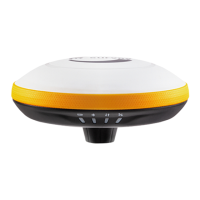
The antenna is required when the datalink is set to internal radio.
To insert radio antenna, open the cover of UHF radio, and install the radio antenna.


 To Next Page