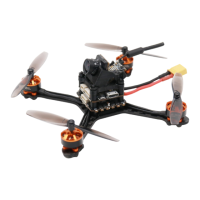
TYRO69
(2) Frequency grouping and channel number configuration
1 Enter OSD parameter menu
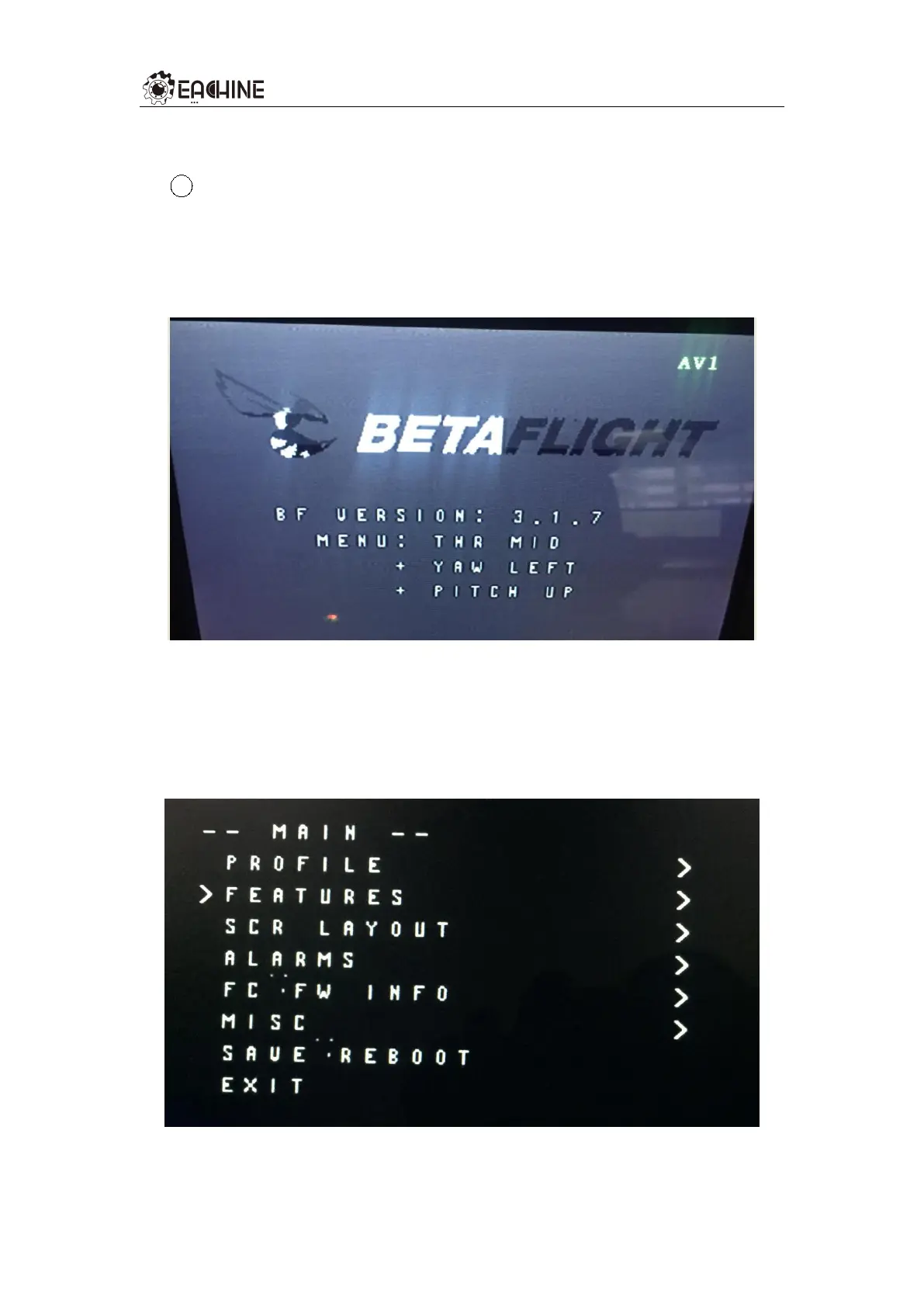
When VTX1 image transmission, corresponding image transmission
receiver display screen and flight control are powered on, the
information shown in Figure 2 will appear on the receiving screen.
Figure 2 Electrical display information
At this time, according to the screen prompt operation THR MID
(throttle center), YAW LEFT (YAW rocker to the left), PITCH UP (PITCH
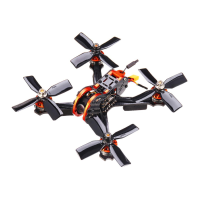
rocker to the top) into the OSD parameter adjustment menu (Figure 3).
Figure 3 OSD parameter menu


 To Next Page