3
2. BEFORE USING THE NETWORK CAMERA
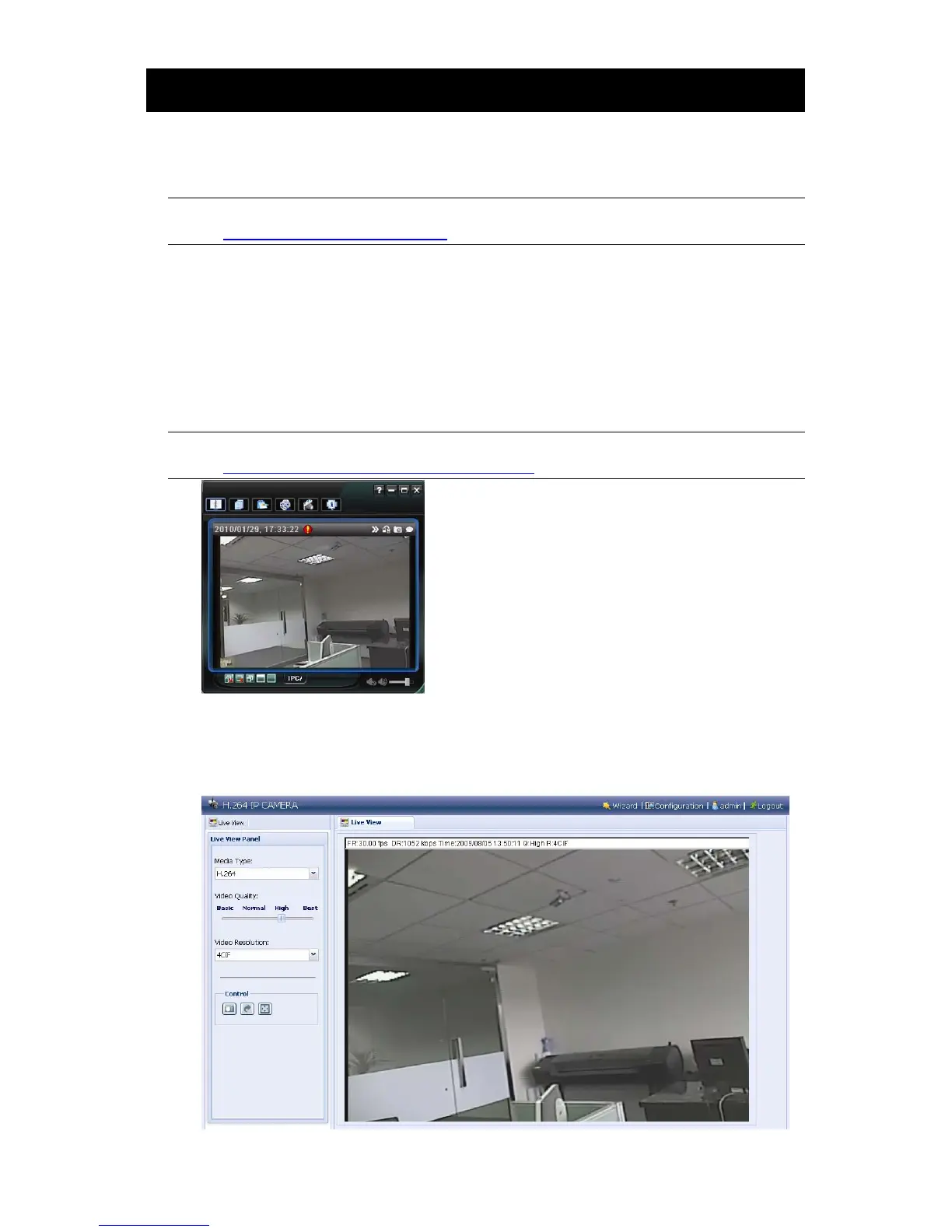
This network camera can be accessed via our supplied CMS software “Video Viewer”, the web
browser (such as “Microsoft Internet Explorer” or “Mozilla Firefox”), and smart phones with our
self-developed program “EagleEyes” installed depending on different using situations.
Note: For details about accessing network cameras via smart phones, please refer to
http://www.eagleeyescctv.com.
Before using the network camera, make sure:
1) You have installed the supplied CMS software, “Video Viewer”, or a web browser.
2) You have configured the network settings, and the network connection is fine.
To check or configure up to 16 surveillance devices simultaneously with the record function, please use
“Video Viewer”.
For details about using Video Viewer, please refer to “
3. ACCESSING THE CAMERA VIA VIDEO
VIEWER” at page 4.
Note: You may also download its complete user manual from the link below for reference:
www.surveillance-download.com/user/CMS.pdf.
To check or configure this network camera only, it’s recommended to use the web browser, such as
“Microsoft Internet Explorer” or “Mozilla Firefox”.
For details about using the web browser, please refer to “4. ACCESSING THE CAMERA VIA WEB
BROWSER” at page 12.



 To Next Page