- 11 -
4. Operation
4.7 Tension Amount
In the control cabinet, above the circuit board, open the cover plate of the control panel to access the
strap tension controls. By turning the potentiometer clockwise, strap tension can be increased. If this
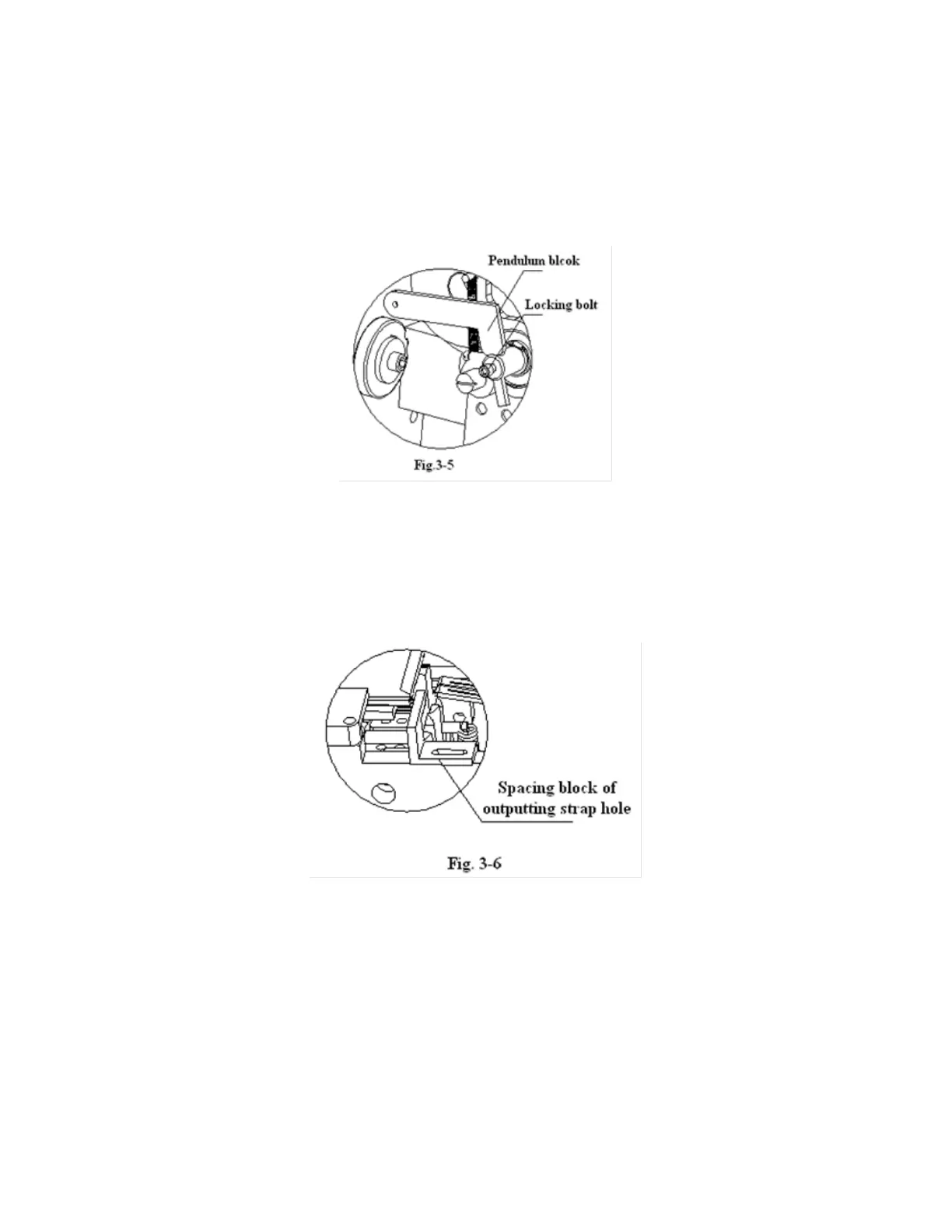
does not increase strap tension, check the pendulum block.
4.8 Strap Width Adjustment
The Eagle 100 accepts strapping material with a width between 6mm and 15mm. To adjust for a given
strap width, adjust the strap insertion hole, the spacing block of the strap output, and the spacing
block width.


 To Next Page