- 20 -
3.2 Basic Machine Operation
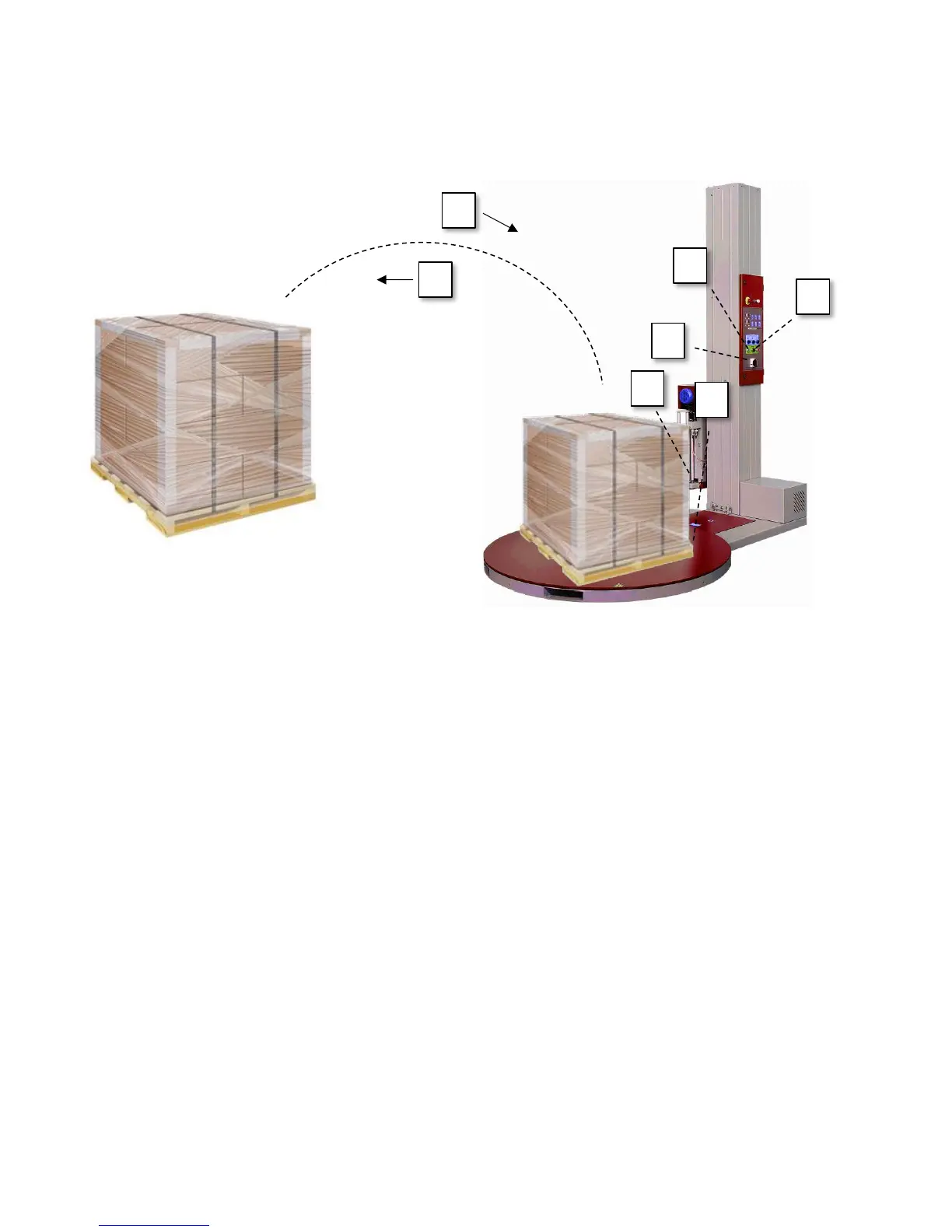
Step 1 – Turn on the power to the machine.
Step 2 – Using the Auto/Hand switch, select a job mode.
Step 3 – Place the load to be wrapped onto the turntable.
Step 4 – Connect the loose end of the stretch film to the bottom of the load (ie: corner of the pallet)
Step 5 – Press the start button to begin wrapping the load.
Step 6 – Once the job finishes, split the film between the stretch wrapper and the now wrapped
load and secure any loose ends of film.
Step 7 – Remove the load from the turntable and place the next load onto the turntable.
Repeat steps 2-7 as required



 To Next Page