- 24 -
4.4 Turntable & Carriage Adjustment
Test Operation
Turntable
▪ Turn on the power
▪ Verify there is no play in the turntable and that the fasteners are tight.
▪ The chain tension controls the amount of play in the turntable. The chain should have no more
than ±0.25" of play.
o If greater than ±0.25" of play, tighten the chain using the chain adjustment screw located at
the back of the frame.
o
Fig. 5-1
Table Chain Adjustment
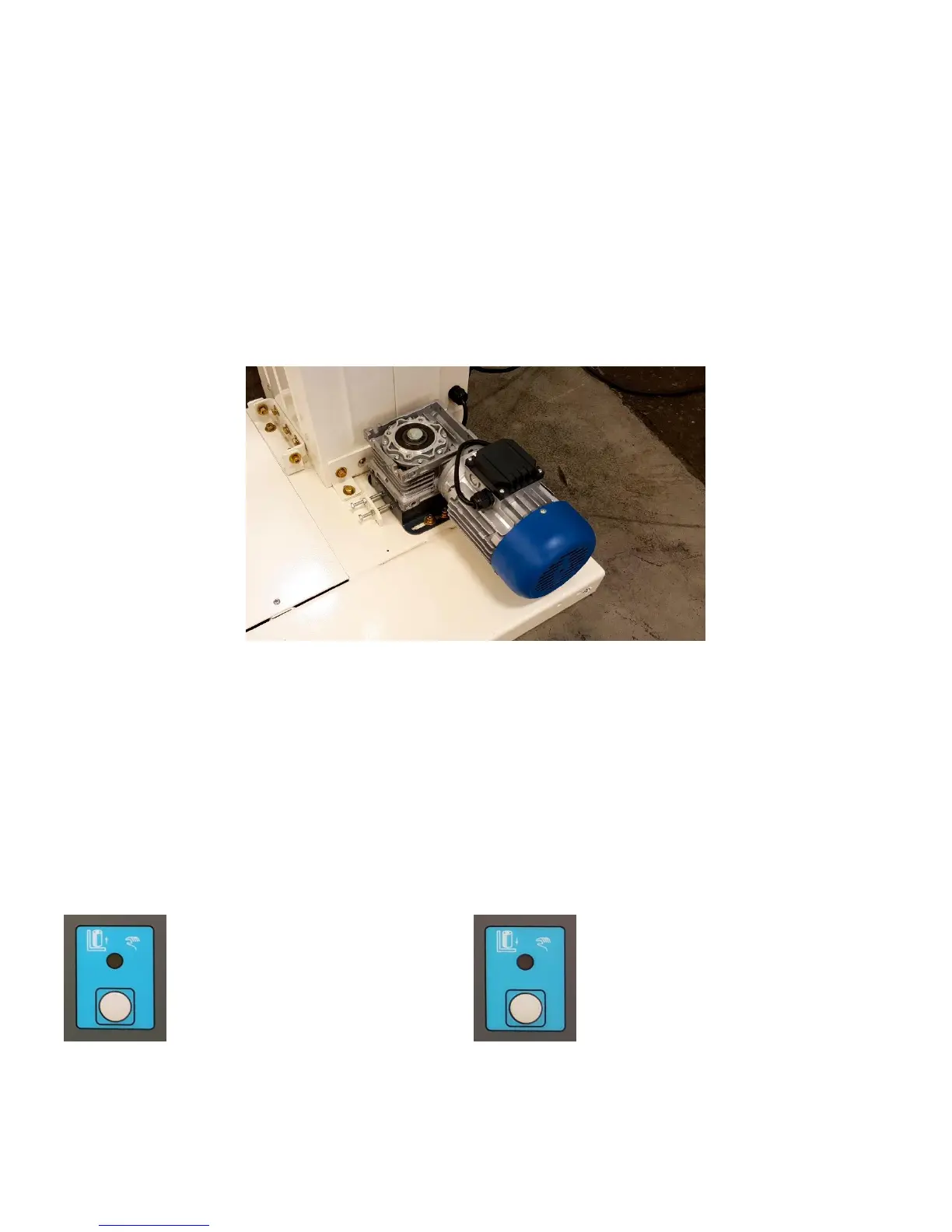
▪ Loosen the four holding screws of the turntable motor using a 6mm Allen Wrench.
▪ Turn the chain tension screw using an 8mm Allen Wrench.
o Clockwise adjustment will tighten the chain and counter-clockwise will loosen the chain.
▪ After adjusting to an appropriate position, tighten the turntable motor holding screws.
Carriage Chain Adjustment



 To Next Page