15
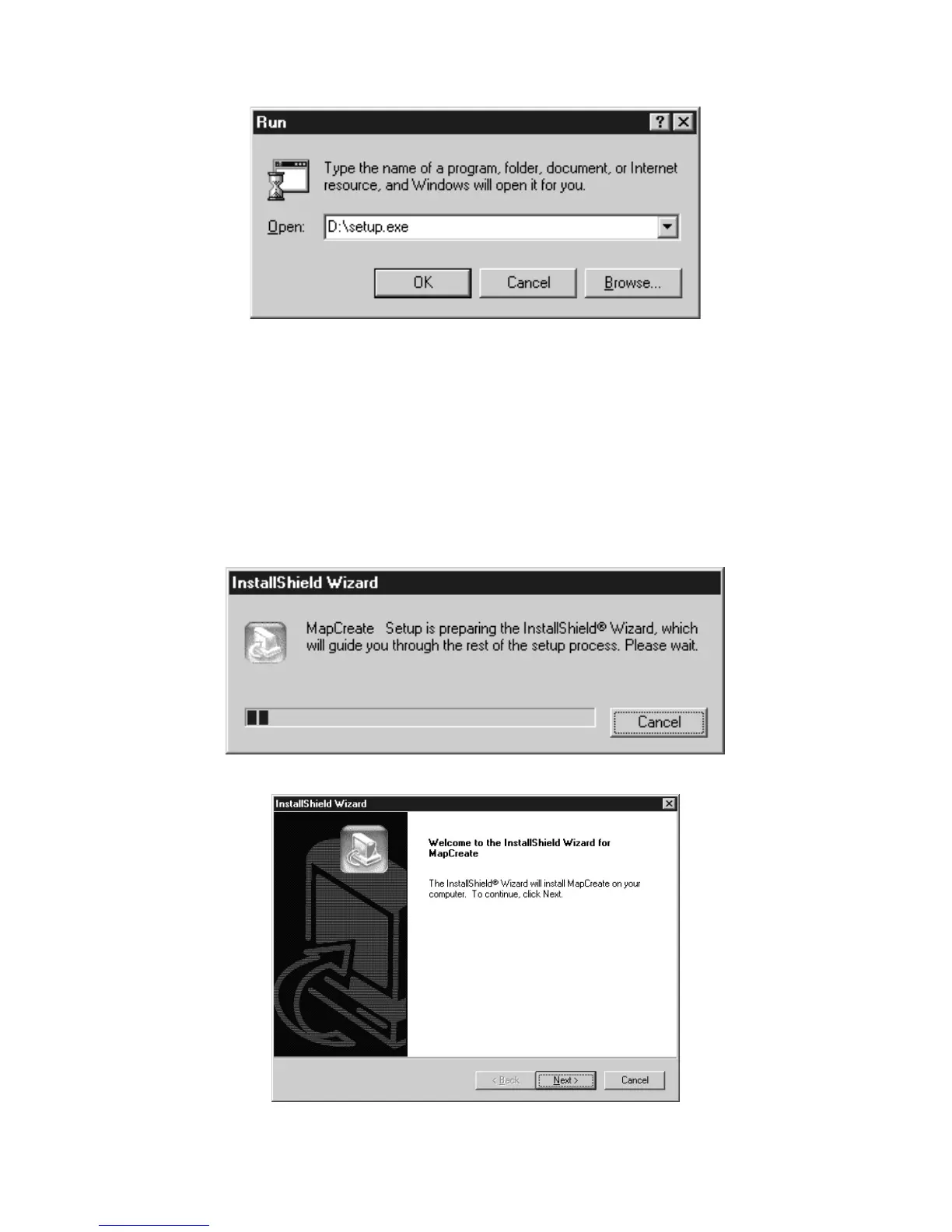
3. Type
D:\setup.exe
(where D: is the drive letter for your CD-ROM)
Type the setup command directory path and file name.
4. Click
OK
to begin installation.
NOTE:
If you are using Windows 2000 or Windows XP Professional, you
may receive an error message if you are not logged on with
administrator privileges. If this occurs, you can complete the
MapCreate installation by first logging on as an administrator,
then proceeding with step 1 on page 14.
5. Follow the on-screen instructions:
A. InstallShield will load.
B. InstallShield is ready to prepare for installation.



 To Next Page