25
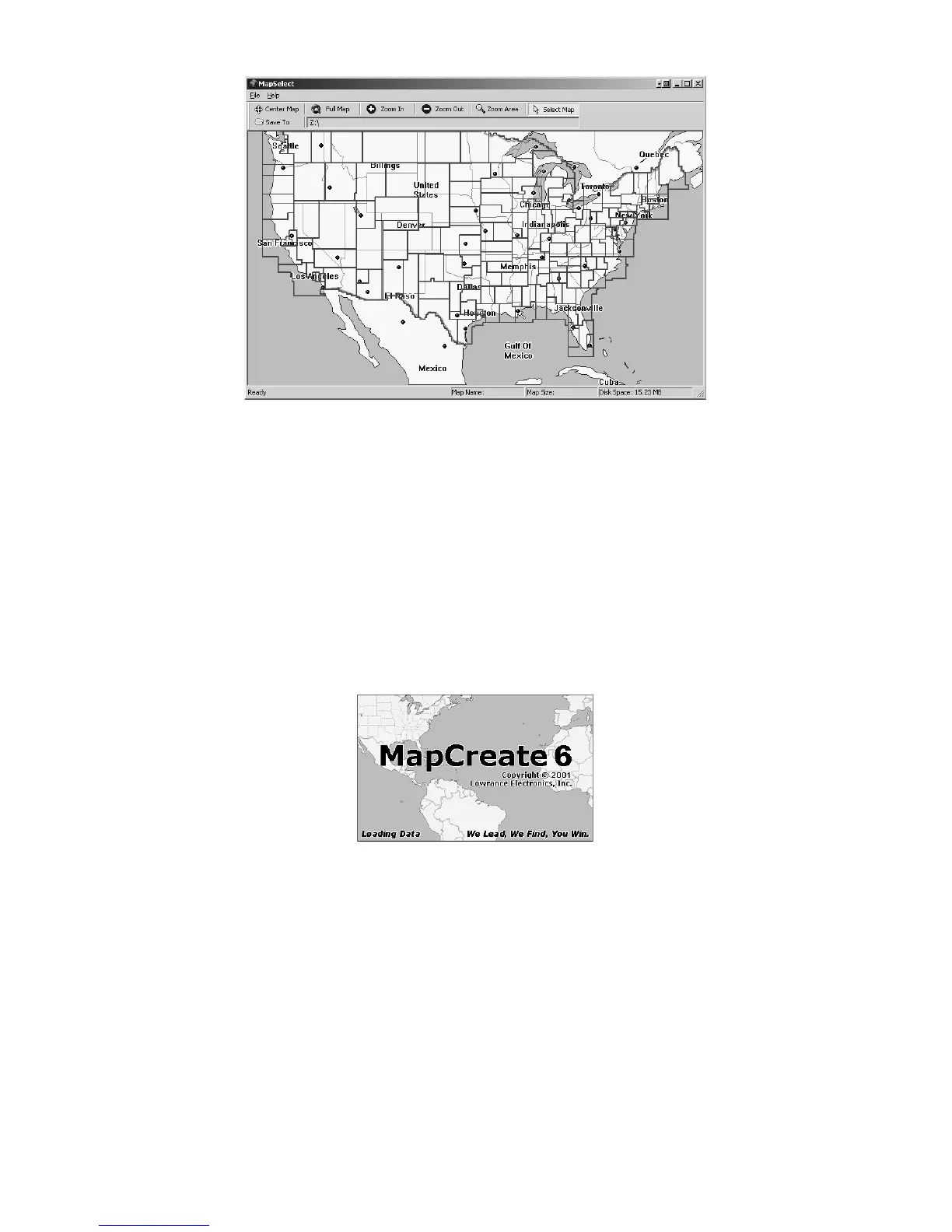
MapSelect opening screen.
MapSelect is designed for simplicity, and requires little in the way of
directions. The maps are pre-drawn, and you just point, click and save.
For MapSelect operation instructions, see the Easy Mode Quick Start
Reference on page 21 or refer to the separate MapSelect Instruction
Sheet (read me first) packaged with this software.
The MapCreate Screen
If you choose to use MapCreate, the opening splash screen appears
while the program is loading. It will take a moment or two for the
program to load the map detail.
MapCreate 6 splash screen appears while program is loading.
NOTE:
Load time depends heavily on your computer's processing speed
and the amount of RAM (Random Access Memory) available.
Windows requires approximately 20 seconds to recognize the CD-
ROM before starting the MapCreate program.
Once it's finished loading, you'll see a screen that looks like this, with a
map of the world and the Map Categories window open:



 To Next Page