40
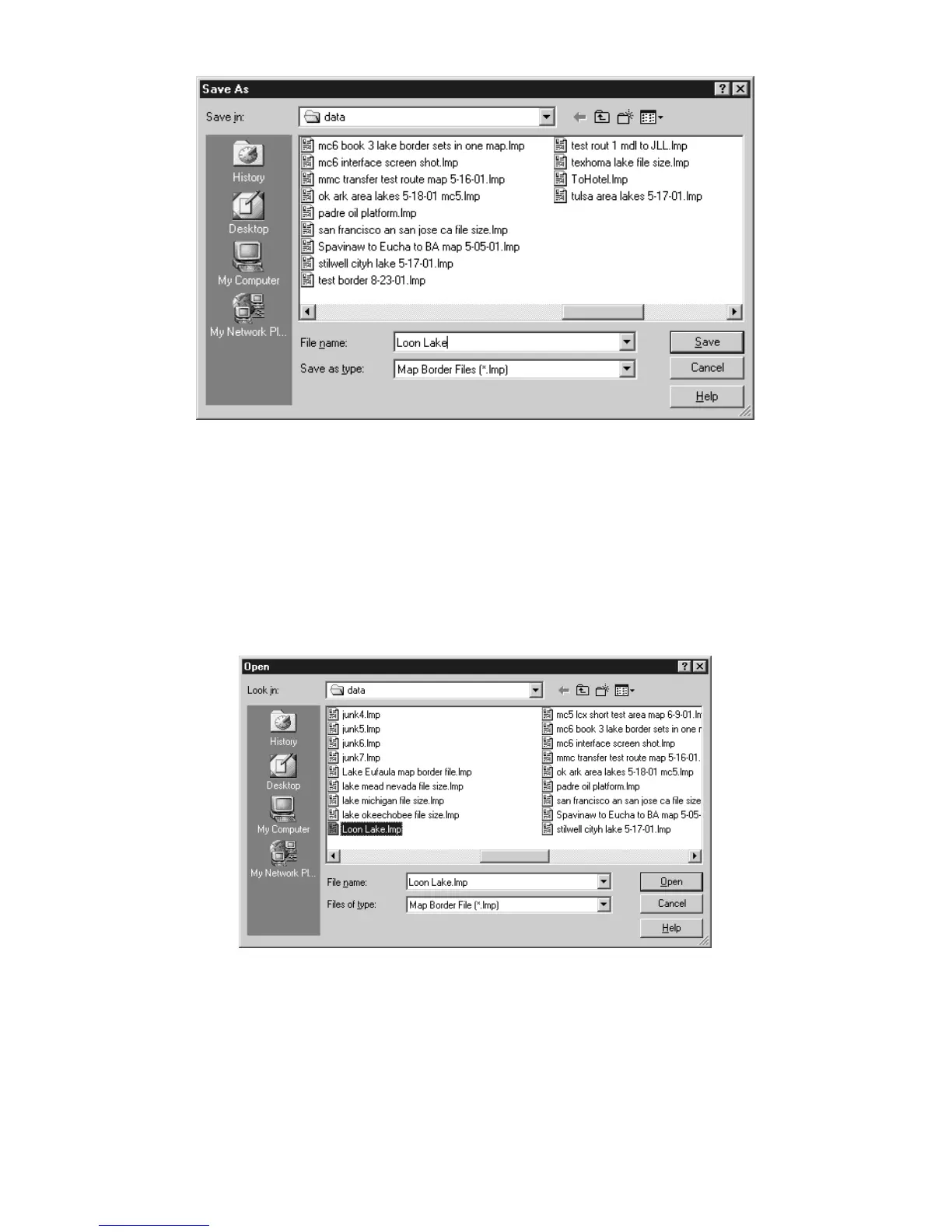
Save Map Border File dialog box.
2. Type a name in the File Name text box and click
S
AVE
.
That's all there is to it. The file was placed in the "data" sub-folder
located within the MapCreate folder on your hard drive. You can now
start another map border (click
N
EW
M
AP
B
ORDER
F
ILE
button) or you can
close MapCreate and return another day. To open this border file later
on, just click the
O
PEN
M
AP
B
ORDER
F
ILE
button and select the file name
from the list.
Open Map Border File dialog box.
Now you're ready to process that border file into a map your GPS unit
can use.
Creating a Custom Map File
Once you have created and saved a Map Border File, you can use the
border file to tell MapCreate to make a Custom Map File for your



 To Next Page