26
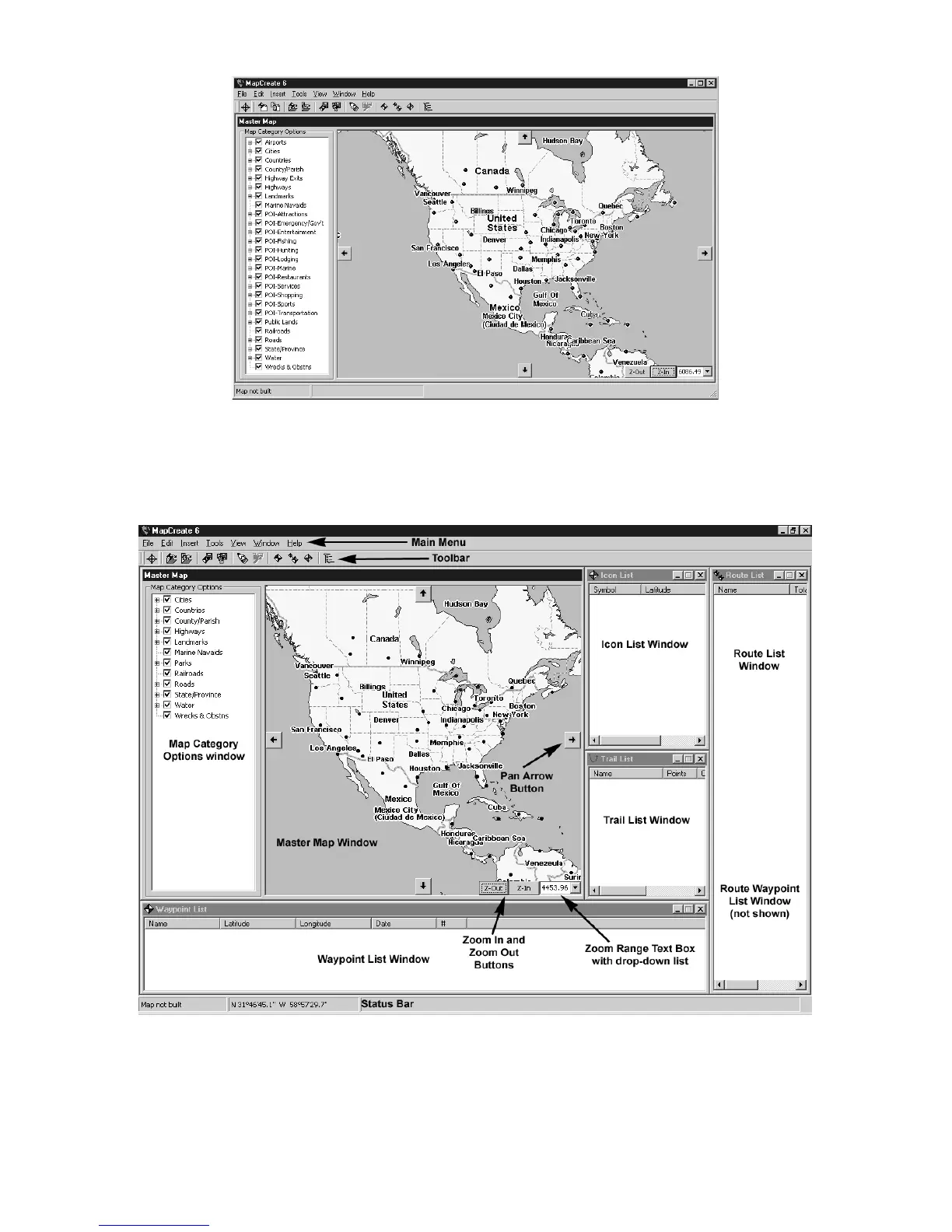
MapCreate 6 opening screen.
MapCreate has several other windows that are used to control mapping
data. If they were all opened or turned on, the program interface would
look like this (labels have been added for illustration):
MapCreate 6 GPS text list windows.
You can drag the borders of these windows to resize them to suit your
viewing preferences. The windows can also be manually arranged
around the screen, or you can just use the default Auto Arrange setting,



 To Next Page