55
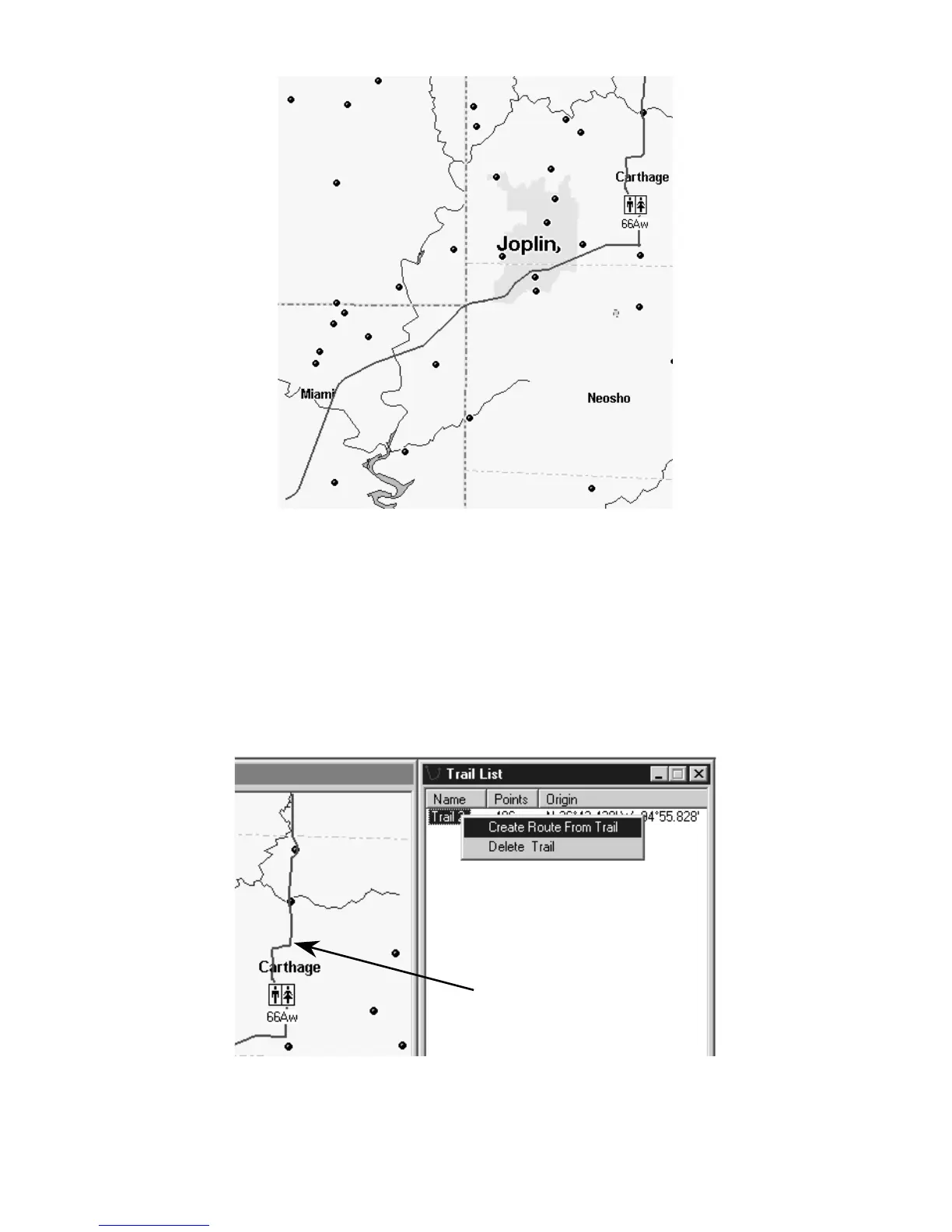
This example shows a portion of Trail 2, recorded during a business
trip from Afton, Oklahoma to Kansas City, Missouri. The trail appears
as a green line on the Master Map. It follows Interstate 44 to Carthage,
Missouri, then Highway 71 north toward Kansas City. For easier
viewing, roads, highways and other features have been turned off.
2. Open the Trail List Window: click
V
IEW
|
T
RAIL
L
IST
.
3. Open the Route List Window: click
V
IEW
|
R
OUTE
L
IST
.
4. Right-click on the trail name. In the pop-up menu, click the
C
REATE
R
OUTE
F
ROM
T
RAIL
command.
The Create Route From Trail pop-up menu appears when you right-
click a trail name in the Trail List Window. Notice the absence of
waypoints along the trail.
Plot Trail shown in green



 To Next Page