12
Go to Table of Contents
PS4
™
Setup
9. Select Adjust Microphone Level and follow the on-screen instructions to
calibrate your microphone.
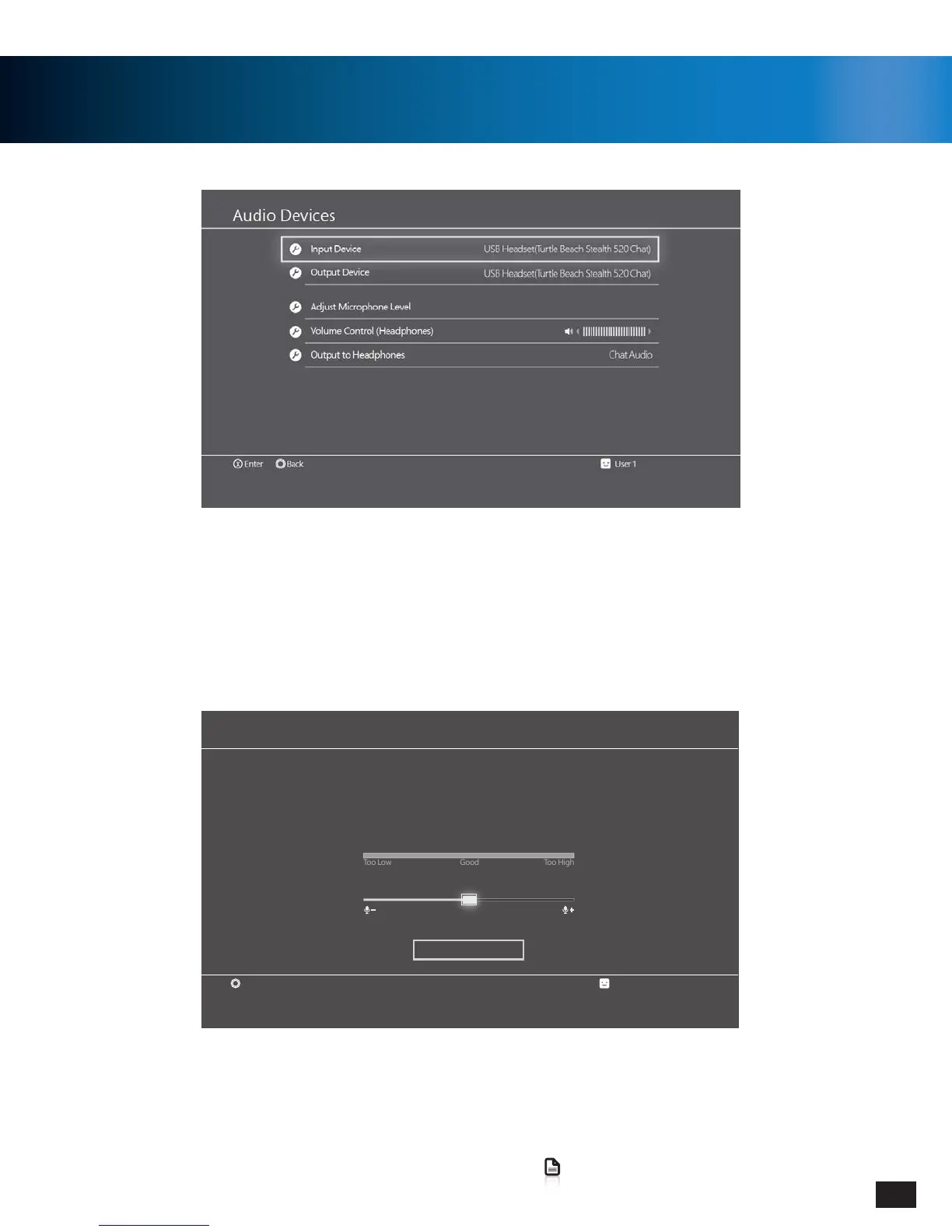
5. Go to Settings >> Devices >> Audio Devices
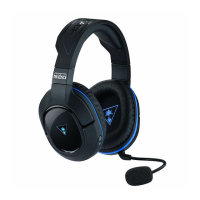
6. Select USB Headset(Turtle Beach Stealth 520 Chat) for Input & Output Device
7. Set Output to Headphones to Chat Audio
8. Set Volume Control (Headphones) level to maximum
Microphone Level
User 1
Speak into the microphone and adjust the microphone level so that the input volume is in the
[Good] range.
Increase the microphone level if the input volume is too low, and decrease the microphone level
if the input volume is too high.
Back
Input Volume
Microphone Level
OK


 To Next Page