26
Use ''
◄
'' ''
►
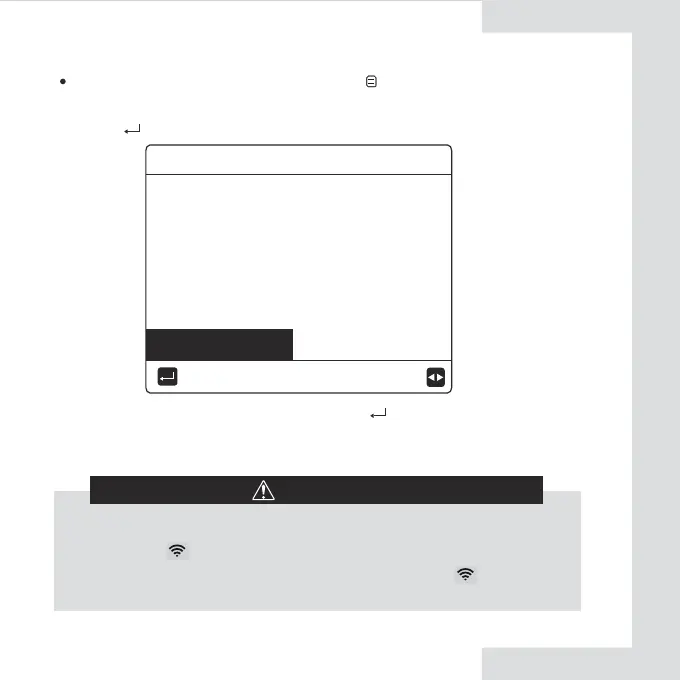
'' to move to"YES", press " " to select AP mode.
Select AP Mode correspondingly on the mobile device and continue the
follow-up settings according to the APP prompts.
Activate the WLAN by interface. Go to " "> "WLAN
SETTING"> "AP MODE".
Press" ", the following page will appear:
CAUTION
After enter Ap mode, if it’s not connected with mobile phone, the
LCD icon " " will flash 10 minutes then disappear.
If it’s connected with the mobile phone, the icon " " will be
constantly display.
Do you want to activate the
WLAN network and exit?
NO YES
CONFIRM
AP MODE


 To Next Page