27
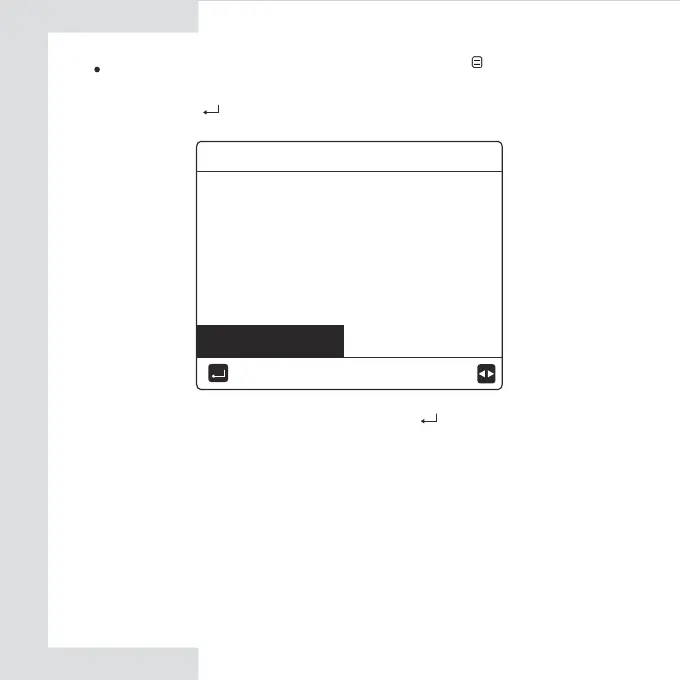
Use ''◄'' ''►'' to move to "YES", press ” ” to restore WLAN setting.
Complete the above operation and wireless configuration is reset.
Restore WLAN setting by interface. Go to “ ”> “WLAN SETTING”
> “RESTORE WLAN SETTING” .
Press" ", the following page will appear:
Do you want to restore the
WLAN setting and exit?
NO YES
CONFIRM
RESTORE WLAN SETTING


 To Next Page