12
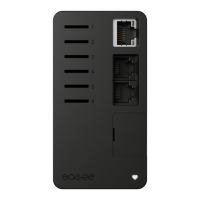
Backplate
Configuring
6
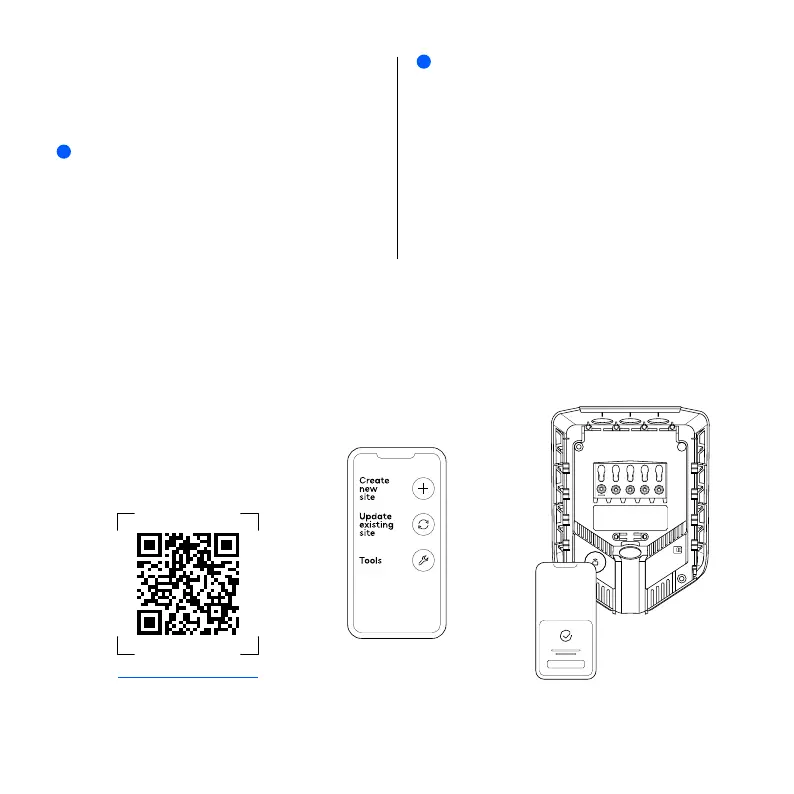
Scan the QR code to download the Easee Installer
App and create your free account.
NOTE
Your phone must support either NFC or Bluetooth.
1
Select one of the two site setups in the Installer App:
Create new site: If this is a completely new charging site,
select "Create new site". Enter the installation details,
follow the on-screen instructions and return to this guide
afterwards.
Update existing site: If this site already has one or more
Charging Robots installed or if it has been created by
an operator (Easee Charge), select "Update existing site"
and search for the site address. On "Site overview", select
the circuit that you want the backplate to be part of and
select "Add another backplate". Follow the on-screen
instructions and return to this guide afterwards.
2
easee.com/installer-app


 To Next Page