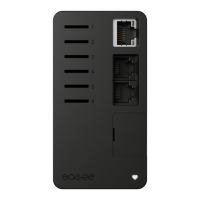
13
WARNING
Insulation testing must be performed before a
Chargeberry is installed in the backplate. Testing
the circuit insulation with the Chargeberry installed
in the backplate may damage the electronics or
impact the reading negatively.
Chargeberry
Attaching
7
4
3
”CLICK!”
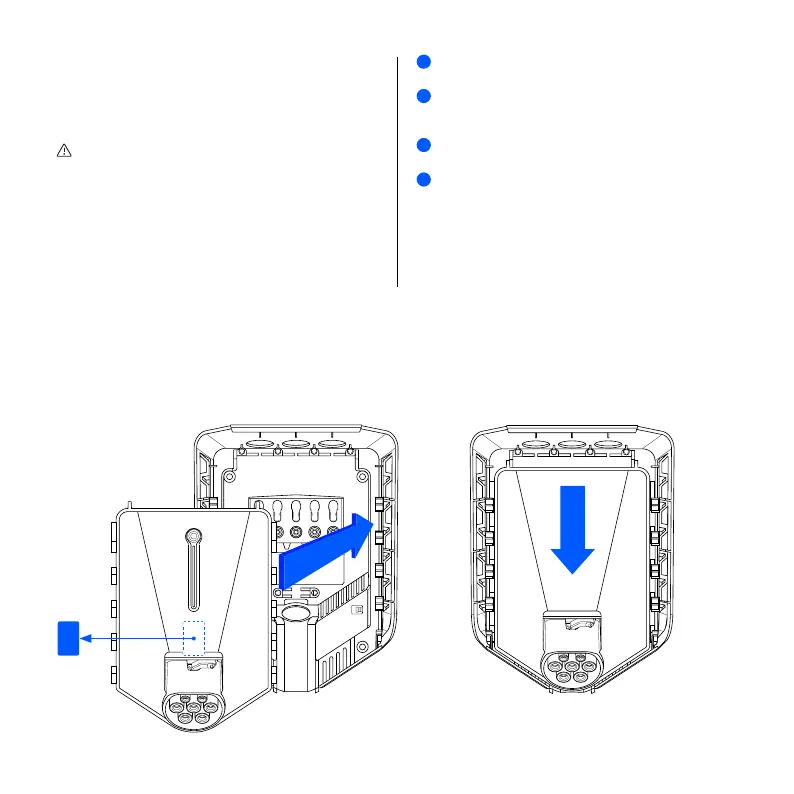
Turn on the power. The terminals of the backplates
are now electrically live.
Remove the PIN code sticker and attach it to the
inside of the fuse cabinet, or another safe location
for storage.
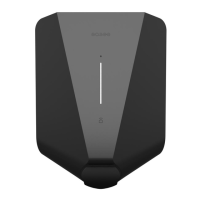
Position the Chargeberry to fit into the slots on the
backplate located in the center of the installation.
When the Chargeberry is in the track, press it
forcefully down until you hear a "CLICK".
NOTE
You do not need to touch the terminals of either the
Chargeberry or the backplate when installing or
removing the Chargeberry.
1
2
3
4
2


 To Next Page