14
Before closing the front cover, it is possible to lock
the Chargeberry with a padlock (see Planning the
installation).
Front cover
Closing
8
1
2
4
”CLICK!”
3
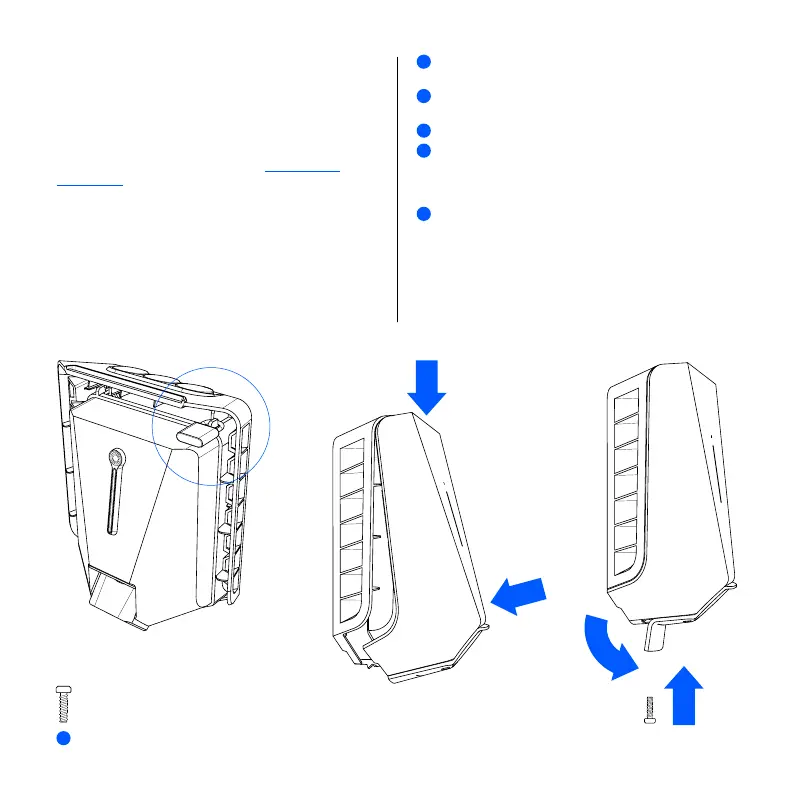
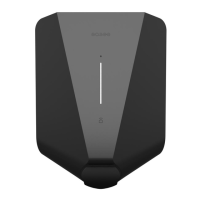
Hang the front cover at the top of the backplate and
let it fall into place.
Press the bottom of the front cover until you hear
a click.
Bend the lower part of the rubber cover down.
Screw in the front cover screw at the bottom of the
charger to secure the front cover.
NOTE! The locking screw is necessary to secure the
cover and protect the charger from exposure.
Close the rubber cover. If the cable is inserted from
the bottom, you can cut a corresponding hole in the
rubber cover to ensure a neat installation.
The charger is now ready for testing according to local
regulations. Once complete, transfer ownership to the
owner via the Installer App.
1
2
3
4
5
4
x 1


 To Next Page