6
Before you start: make sure your Easee charger is
connected to the same WiFi as you want the Equalizer
to connect to. The Equalizer does not need to be
connected to a power source during this step.
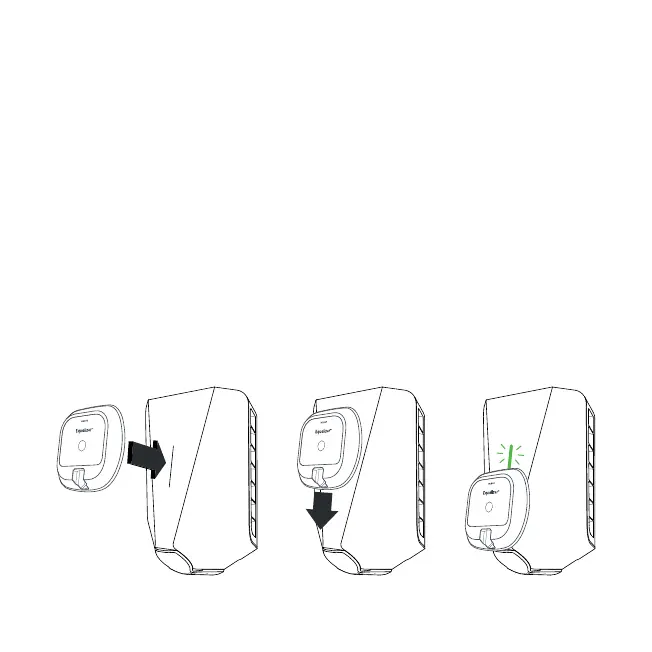
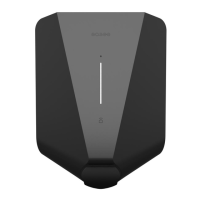
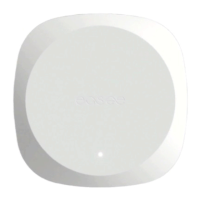
Hold the front side of the Equalizer over the light strip
of the Easee charger and move it slowly downwards.
When the charger lights green, the pairing is done!
1 Pairing
Charging Robot


 To Next Page