7
1
In most cases the HAN port will be inactive - please contact your utility
company to open it for 3rd party use.
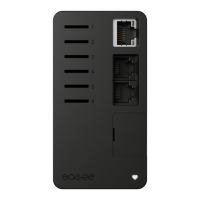
Plug the Equalizer into a HAN port
1
with the provided
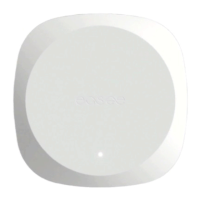
cable. After around 30 seconds, it should start flashing
in white while connecting to your WiFi. Once connected,
it is automatically added to the Easee app!
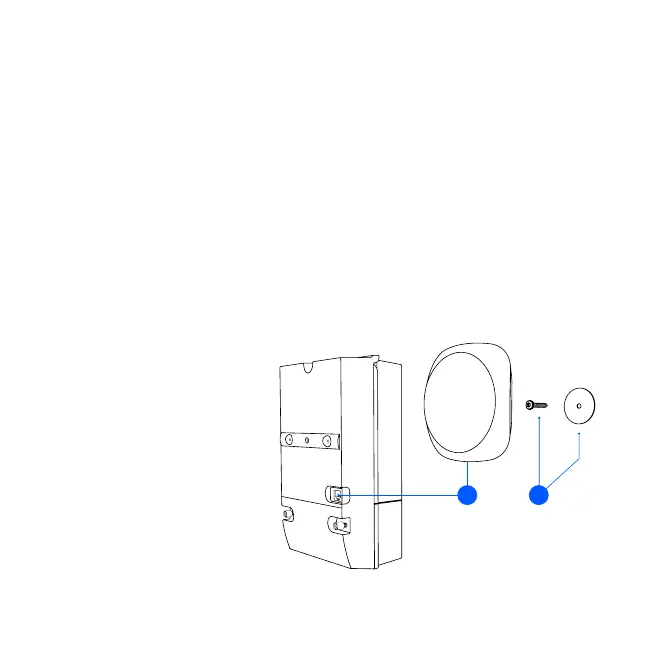
Place the magnetic backside of the Equalizer directly on
a metallic surface. If a metallic surface is not available,
fix the metallic disc with a screw on the wall and then
snap the Equalizer to it.
NOTICE! For better communication with the Easee
charger, place the Equalizer outside of the fuse cabinet.
When outdoors, it should be protected from the
weather, e.g. inside the fuse box (see page 7).
2
1.
2.
Connecting
Fuse box
Wall mounting
for non-metallic
surfaces
1 2


 To Next Page