8
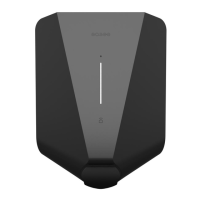
Touch the Easee logo in the middle to check
power consumption:
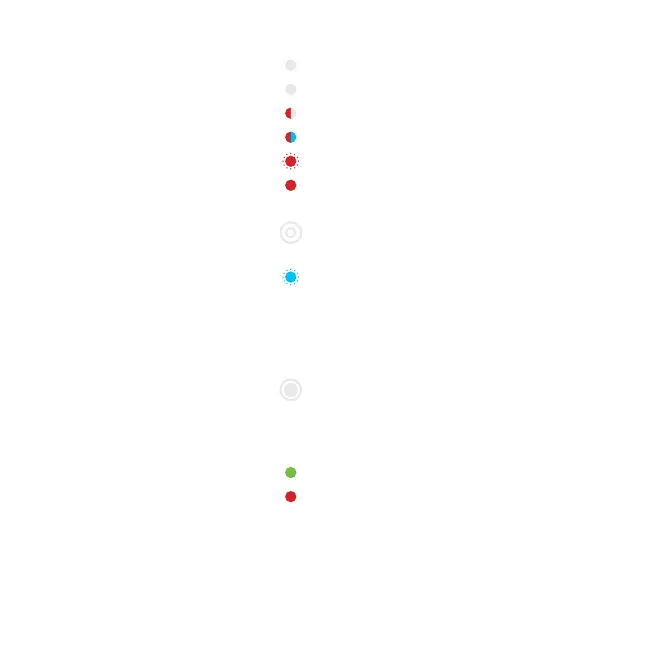
Blue, fast flashing – High power consumption
Blue, slow flashing – Low power consumption
Count the flashes for percentage – 1 flash (10%),
2 flashes (20%), up to 10 flashes (100%)
Hold the Easee logo for 3 seconds to check
connectivity. You will see 2 flashes:
1st flash – Easee Link RF status
2nd flash – WiFi status
Green – Connected
Red – Not connected
2
What do the
LED colors
mean?
2
Use the Easee App to set up the WiFi.
3
Please go to http://easee.support.
White, fast flashing – Booting
White, breathing every 10s – Normal operation
Red / white, switching – No WiFi added
2
Red / blue, switching – No internet connection
Red, flashing – No data from power meter
1
Red, breathing every 10s – Error
3
3
''


 To Next Page