FW Series – firmware upgrade guide v2.0
7
Step 6
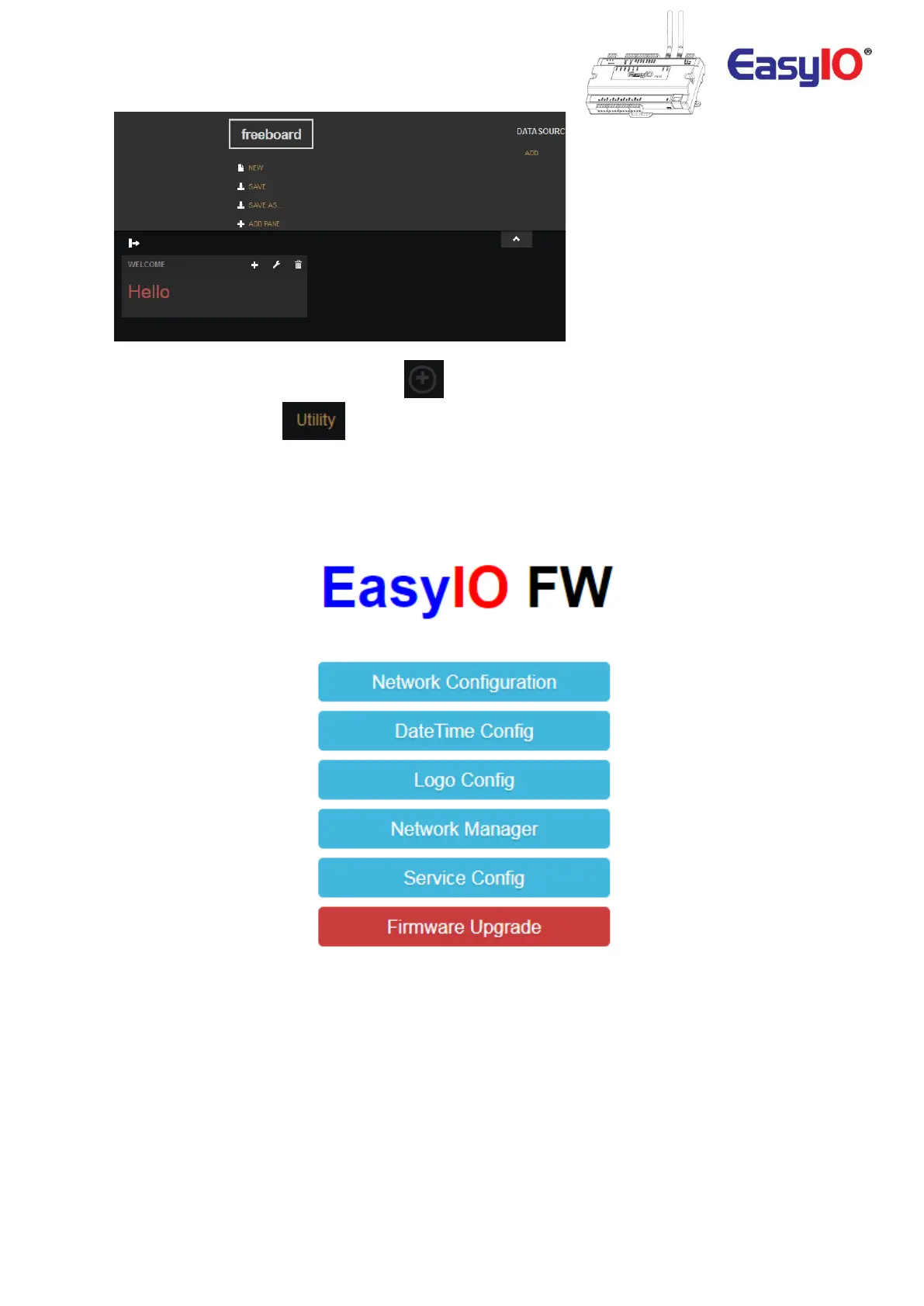
At the dashboard screen, click expand icon, at the bottom left to view the sidebar.
Then select Utility menu, .
Step 7
Once you are in the utility page, select Firmware Upgrade option.
Step 8
Locate the firmware file in your computer and reference to it.
FW series firware file extension is *.tar.gz or *tar.zz.


 To Next Page
 Loading...







