DOWNLOAD AND INSTALL SOFTWARE
USING THE SOFTWARE
Windows™ 7/8/10 (32 & 64bit)
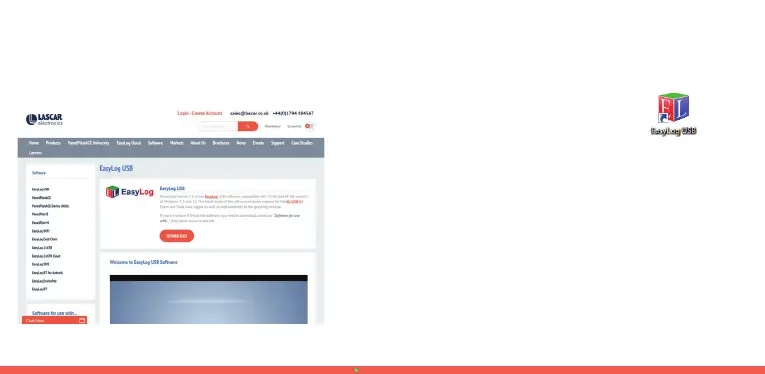
Visit www.lascarelectronics.com/software and click ‘Download’.
.
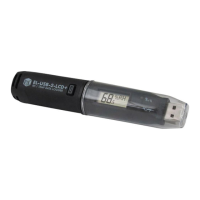
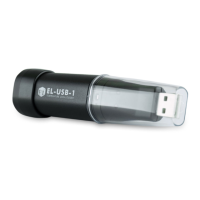
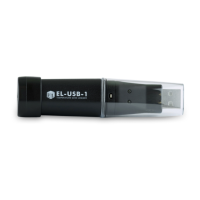
Insert the data logger into an available USB port on your PC.
.
Double click on the EasyLog USB icon on your
:LQGRZVGHVNWRS7KLVZLOOORDGWKHFRQÀJXUDWLRQ
software. Click ‘Set up and start the USB data
logger’ and follow the set-up wizard.
.
When setup is complete, the data logger should be removed
from the USB port. Do not leave your data logger in the
USB port for extended periods as this will cause some of
the battery capacity to be lost (with the exception of
EL-USB-1-RCG).
.
You can also download the data from a logger that has been
recording or view previously saved data from the software.
ventas@lazodecontrol.comwww.lazodecontrol.com
+51 960 810 089


 To Next Page