36
Meter Setup
Using The Set Mode
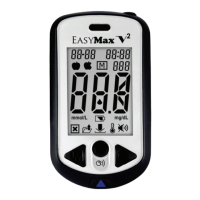
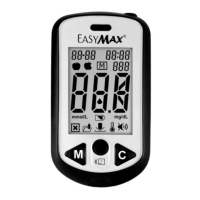
By using the set mode, you can personalize your meter to suit your needs. Here are the features you can
customize —
Time and Date — to set the time and date (see Chapter 1).
Thermometer — to show the current temperature.
Alarm — as a reminder to test.
Beeper — to indicate a button has been pushed.
Clock — to indicate the time.



 To Next Page