Need help?
Do you have a question about the EasySMX Bayard 9124 and is the answer not in the manual?
Multifunctional Bluetooth game controller compatible with PC, SWITCH, Android, and iOS devices.
Visual guide to the controller's buttons, sticks, and other interactive elements.
Details battery capacity, utility time, charging time, charging current, and charging type.
Instructions for initial and subsequent connections to a Nintendo Switch console.
Steps for connecting the controller to Android and iOS devices via Bluetooth.
Guide for connecting the controller to a PC via USB data cable.
Details on how the controller's backlights are managed and turned off.
Instructions for setting and canceling the TURBO function on controller buttons.
Explains how to adjust the brightness and turn off the A/B/X/Y backlights.
Details on how to adjust the vibration intensity across 5 levels.
Steps for entering macro programming mode and setting combined keys.
Instructions for macro programming mode 2, saving sequences and intervals.
Covers default key values, macro data sharing, and clearing programming settings.
Procedure to reset the controller to factory settings by using the reset hole.
Explains the meaning of indicator lights during charging and low battery status.
Lists the items included in the product package.
Information on how to get better services and contact customer support.
Provides email addresses for customer support in various countries.
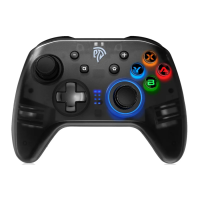
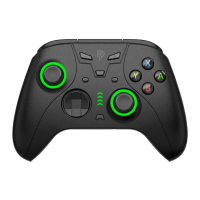
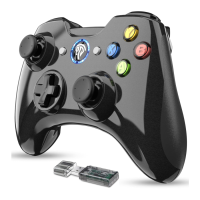
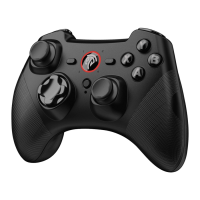
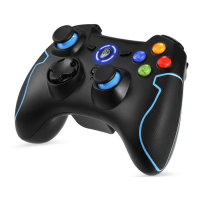
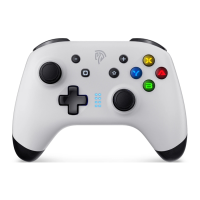
The EasySMX 9124 is a multifunctional Bluetooth game controller designed for a wide range of platforms, including PC, Nintendo Switch console, Android smartphones, Android TV, Android boxes, and iOS devices (specifically for MFI games on iOS 13.0 and above).
The controller features a standard gamepad layout with several key components:
 General
| Brand | EasySMX |
|---|---|
| Model | Bayard 9124 |
| Category | Video Game Controller |
| Language | English |

 To Next Page