identity function
appears.
4. Touch the
and keys to select the desired user.
The user number will blink until a user number is selected. Touch the “SET”
button to confirm the user.
【
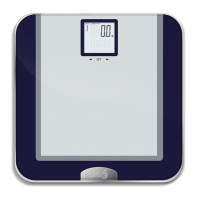
When the LCD show below picture , step on th
scale
】
5. If this is the first time using the scale, the unit will weigh the use
and then
display the following screen showing current weight only:
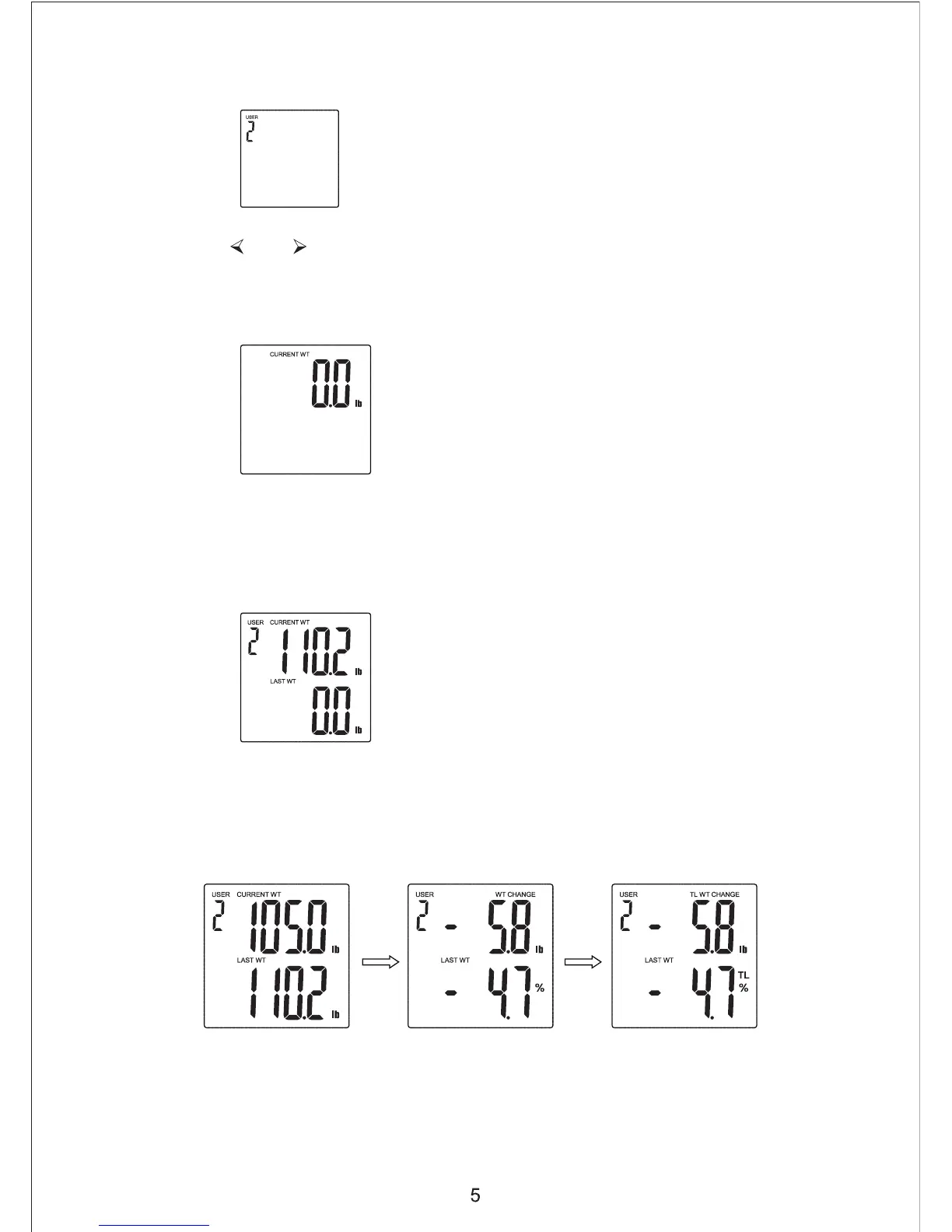
6. If this is the second time, the scale will cycle through the following screens, showing
current weight and last weight results:


 To Next Page