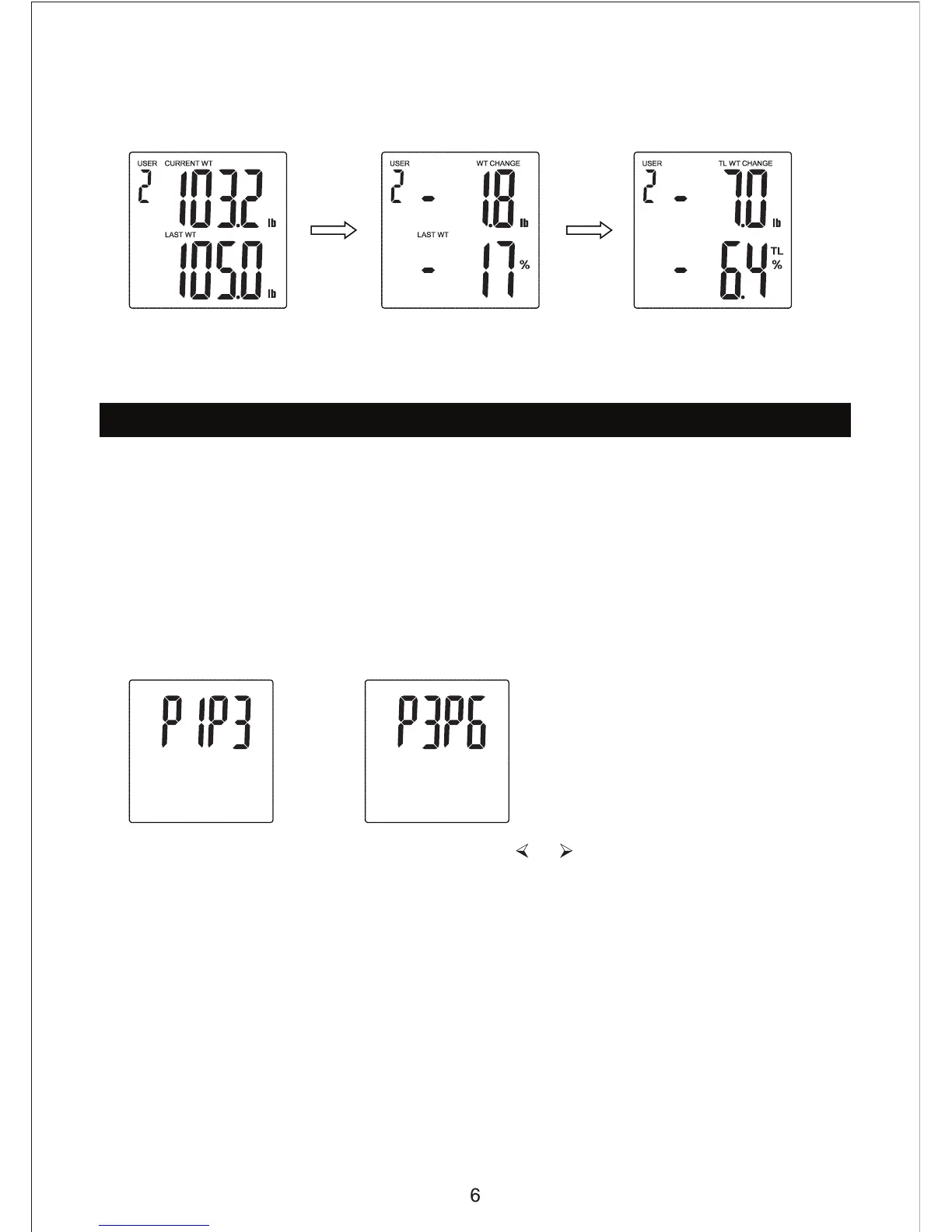
7. If this is the third or subsequent uses, the scale will cycle through the following
screens, including the current, last and total weight changes:
Auto User Recognition
After you have programmed your user and weighed yourself once, the scale will
automatically recognize you for future weigh-ins. It does this based upon the weight
of the user (it will detect all profiles within +/- 6.6lbs).
a. If the scale recognizes the use
weight range (within +/- 6.6lbs), they will
both be shown on the LCD in cycles after weighing.
See (2) examples below:
c. To resolve the use


 To Next Page