Deleting User Profiles
After setting up your users, it’s easy to delete a user profile.
Note: Deleting a user profile will also delete all data associated with that profile.
a) Select the use
that you want to delete. Touch and hold the “SET” button.
t
the same time, press and release the
button (left button) three times.
b) The scale will delete the first weight, the last weight and current weight.
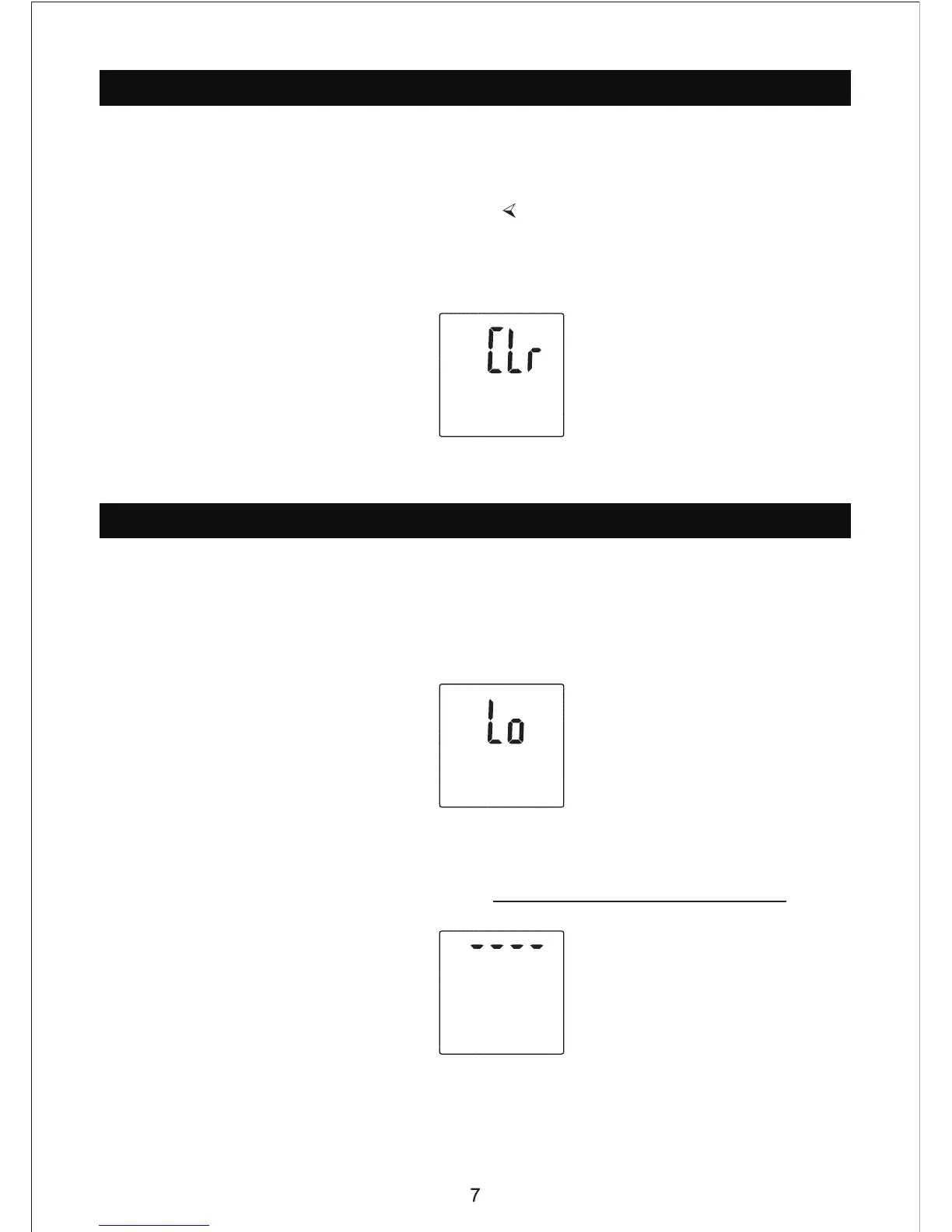
c) The screen will display “CLR” fo
2 seconds as pictured below.
this, it
will return to normal weighing mode.
Troubleshooting
a)Low Battery Indicator
When “Lo” is shown, the scale will turn off after a few seconds.
Solution: Check that the batteries are inserted correctly. Change the batteries if
message continues, otherwise call EatSmart Products.
b) Overload Indicator
Solution: Please remove the weight on the scale to protect the load cells. If error
continues call EatSmart Products or e-mail support@eatsmartproducts.com
.
All other issues please call Eatsmart Products at 201 465 4381 (9-5 EST) or e-mail
support@eatsmartproducts.com


 To Next Page