19
Emptying the water container
The red bucket icon on
the control panel will
illuminate when the
container is full.
When this occurs, water
collection stops.
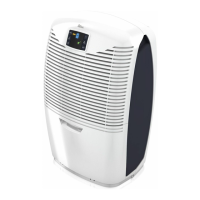
Your Ebac 4000 has a filter to remove dust from the air.
This filter should be cleaned every month and replaced every 4 months. Failure to do this will
reduce the performance of your dehumidifier and may over time lead to a permanent reduction
in performance.
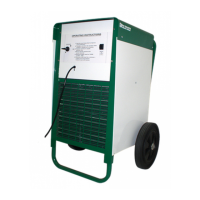
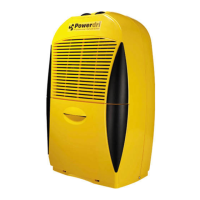
Cleaning the Filter
1. Remove the filter from the rear of the unit by pulling the filter housing outwards
2. Take the filter out of the housing and clean the filter using a vacuum cleaner with a soft
furnishings attachment
3. Assemble the filter
4. Push the filter housing back on to the rear panel of the unit
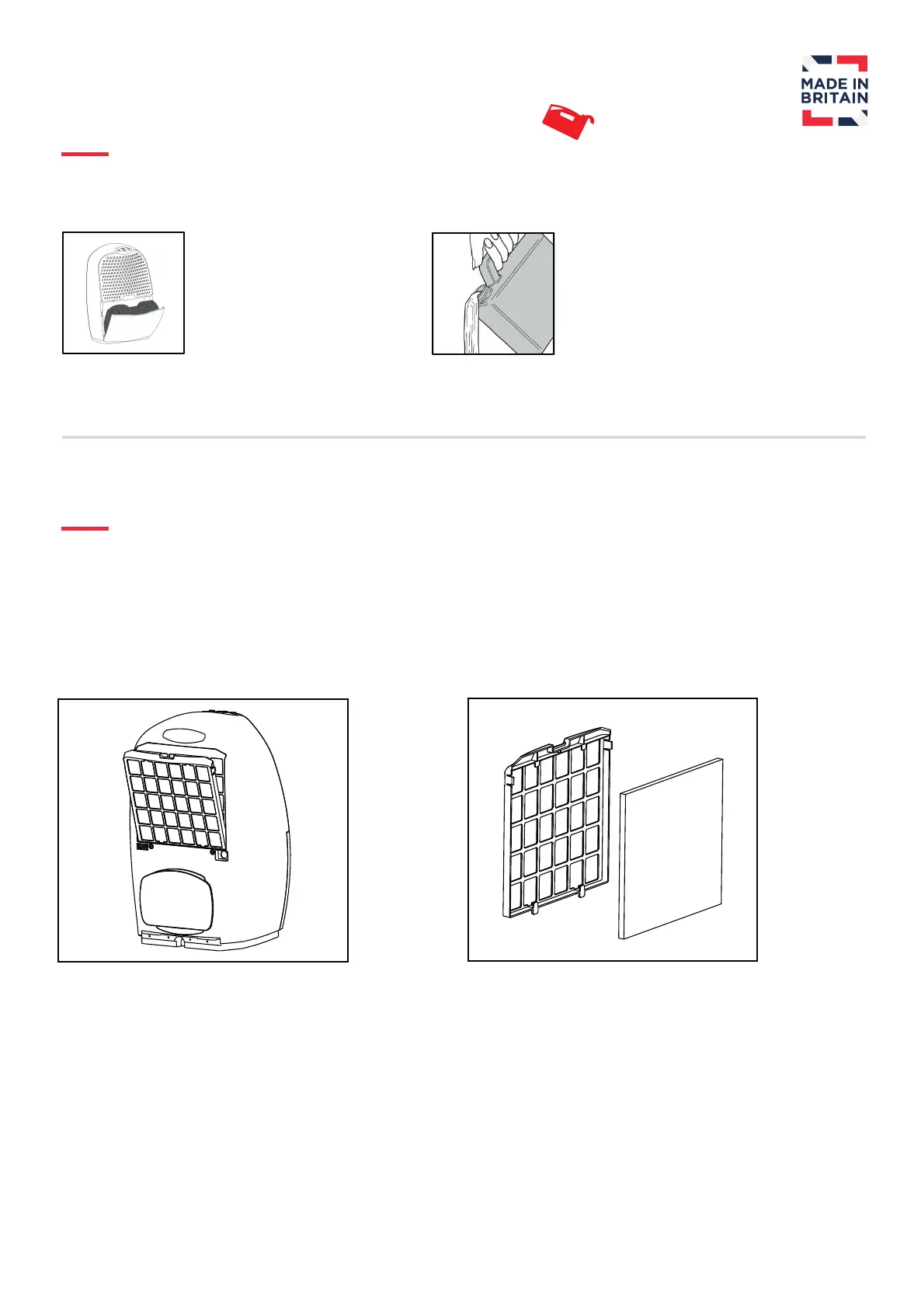
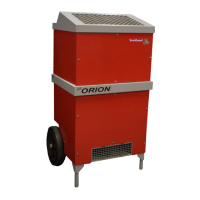
The container can then be
removed and emptied as
shown. Replace the
container back into the
dehumidifier with the outlet
on the left hand side and
gently close the door.


 To Next Page