19
BOOST MODE SETUP
%
%
Extract
Supply
75 75
Indoor Temp (°C)
22
Relative Humidity (%)
70
CO2 (ppm)
1200
Technical Data
4.0
4.4.1
The unit will default to “Normal mode”. The unit should be commissioned to comply with the flow rates stipulated
in Part F of Building Regulations. Fan speed is setup inside of the commissioning mode
Normal
4.4.3
4.4.2
“Boost mode” should be used to obtain as many Air Changes per Hour (ACH) as possible, this is done with an
increased fan speed. The fan speed can be set inside of the commissioning menu.
If “Boost mode” is manually selected, the user is given the option of selecting a timer of between 0-90 minutes. After
the in putted time, the unit will default back to previous mode the unit was running in prior to boost been selected.
Ebac have over 50 years experience in designing and manufacturing dehumidifiers which primarily deal with humidity
and condensation. “SMART mode” has been designed to deal with humidity in the most energy efficient way possible.
All MVHR systems have crude control systems which use defined sensor set points which turn the unit on or off
dependent on whether the set point has been reached. It is likely that in certain conditions the unit will never reach
those set points, resulting in the unit over ventilating. Ebac understand that in most instances, the removal of 1-2 litres
from a dwelling cures condensation and dampness.
Ebac’s SMART Control continuously monitors both the internal and external conditions. Live monitoring and logging
allows the unit to determine exactly how much moisture is been exhausted. The fan speed changes automatically
to only ventilate what is required.
In the Summer months, it is possible that the moisture content in the outdoor air is higher than that inside the dwelling.
If the unit detects this, it will run at a reduced speed as it is probable that humidity is not an issue in these months
of the year.
Boost
SMART
The unit has 3 primary control modes. Each mode has been designed to give optimal air flow for any given time.
The main difference between each mode is the fan speed.
4.4 User Modes
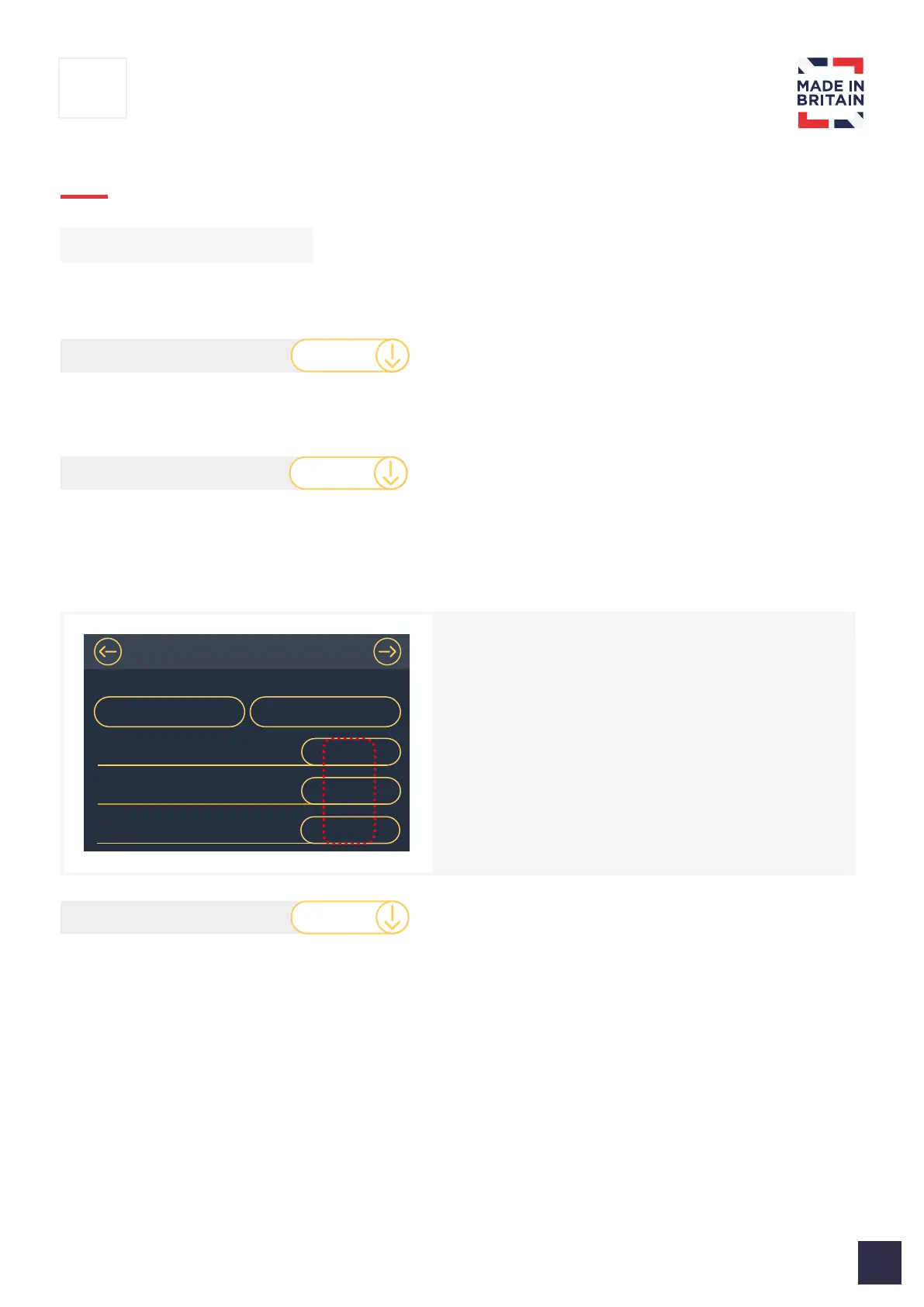
When setting up Boost mode inside of the
commissioning menu, sensor set points can
also be in putted which will allow the unit to
automatically switch to Boost mode.
If the set points are triggered hence “Boost” mode is
automatically activated, it will remain in “Boost” mode
for 90 minutes until the values have dropped below
the limits. If after 90 minutes the values are still over
the limits, the unit will default back to Normal mode.



 To Next Page