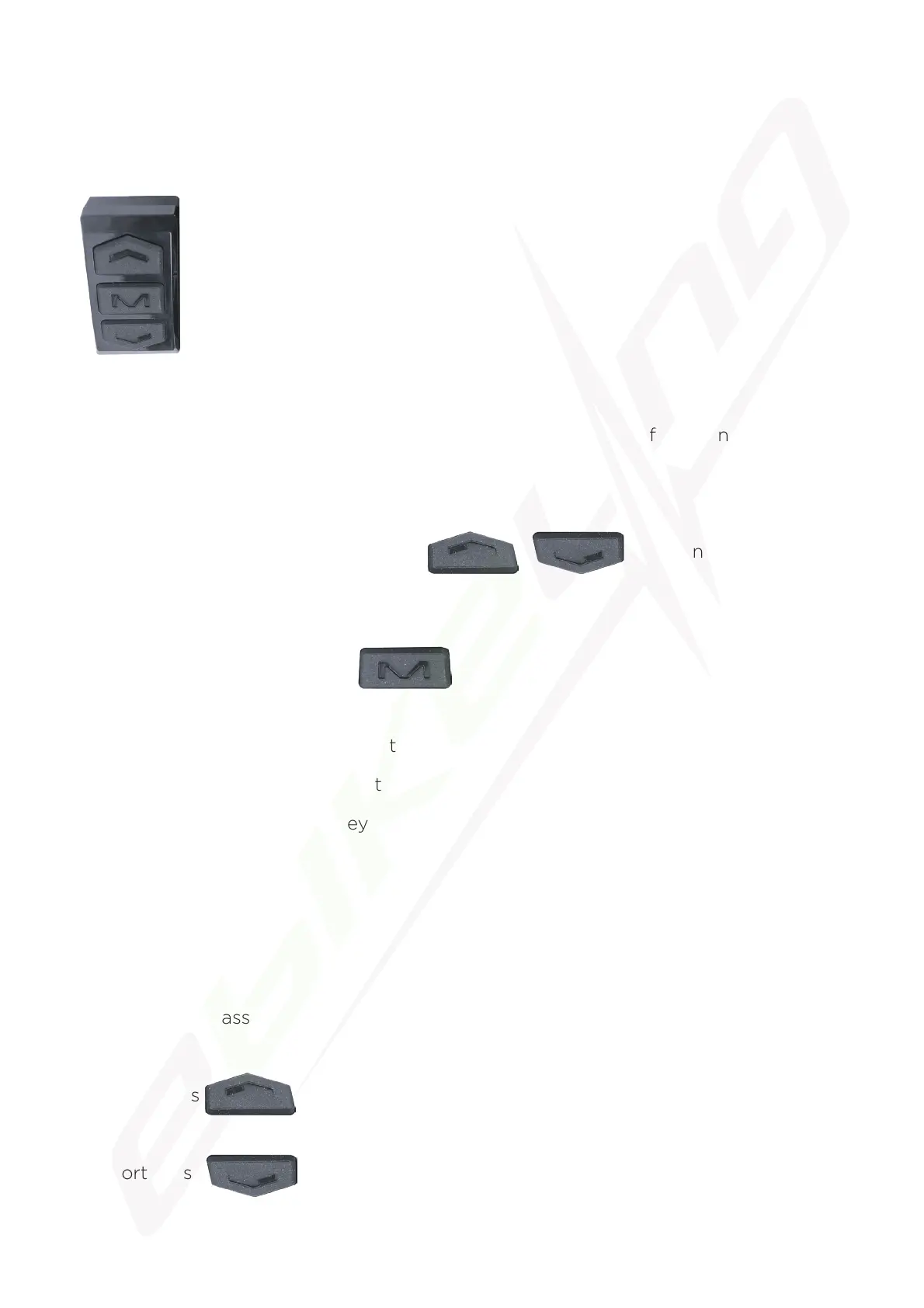
Introduction of Keys
Key operations involve short press, long press, and long press of combination keys.
Short press is used for short/frequent operations as:
1. Short press the Up or Down Button to change assist
power/speed during riding.
2. Short press the “M” button to switch the readings in the multi-function
display section.
Long press on a single key is used to switch mode/on/off status.
Long press on combination keys to set parameters, which can avoid misoperations
(short press on combination keys is disabled, for it’s easy to induce misoperation and
hard to manipulate).
Detailed Instructions
1. Changing the assist power.
a. Short press assist power +1.
b. Short press assist power -1.
4. Keys
Arrangement of keys on the panel:


 To Next Page