2. Switch Speed Display
Long press + to switch speed display type.
3. Enable / Disable 6km/h cruise, set the real-time cruise, and turn on/off the lights.
When the vehicle is parked, long press to enter 6km/h cruise mode.
When the vehicle is traveling, long press to enter real-time cruise mode.
Long press or engage the Throttle to exit the cruise mode.
Long press to turn on/off backlight.
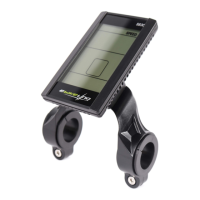
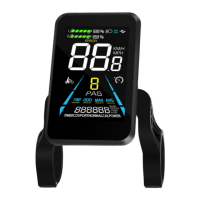
4. Turn on/off the LCD Display
When the display panel is operating, long press and it will be turned off,
otherwise, it will be turned on.
5. Switch Displayed Readings in Multi-Functions Section
Short press to switch readings shown in the multi-function section.
6. Set Parameters
Long press + to enter the setting interface.
In the setting interface, short press or to change the
value to the parameter, which will blink after modification. After selecting the
parameter that needs to be set,


 To Next Page