ebm-papst A&NZ Pty Ltd 10 Oxford Road · Laverton North VIC 3026 · Phone +61 (03) 9360 6400 · Fax +61 (03) 9360 6464
ABN 33 115 927 556 NSW Phone +61 (02) 9827 6400 · NSW Fax +61 (02) 9827 6464 · NZ Phone +64 (09) 525 0245 · NZ Fax +64 (09) 525 0246
sales@ebmpapst.com.au · www.ebmpapst.com.au
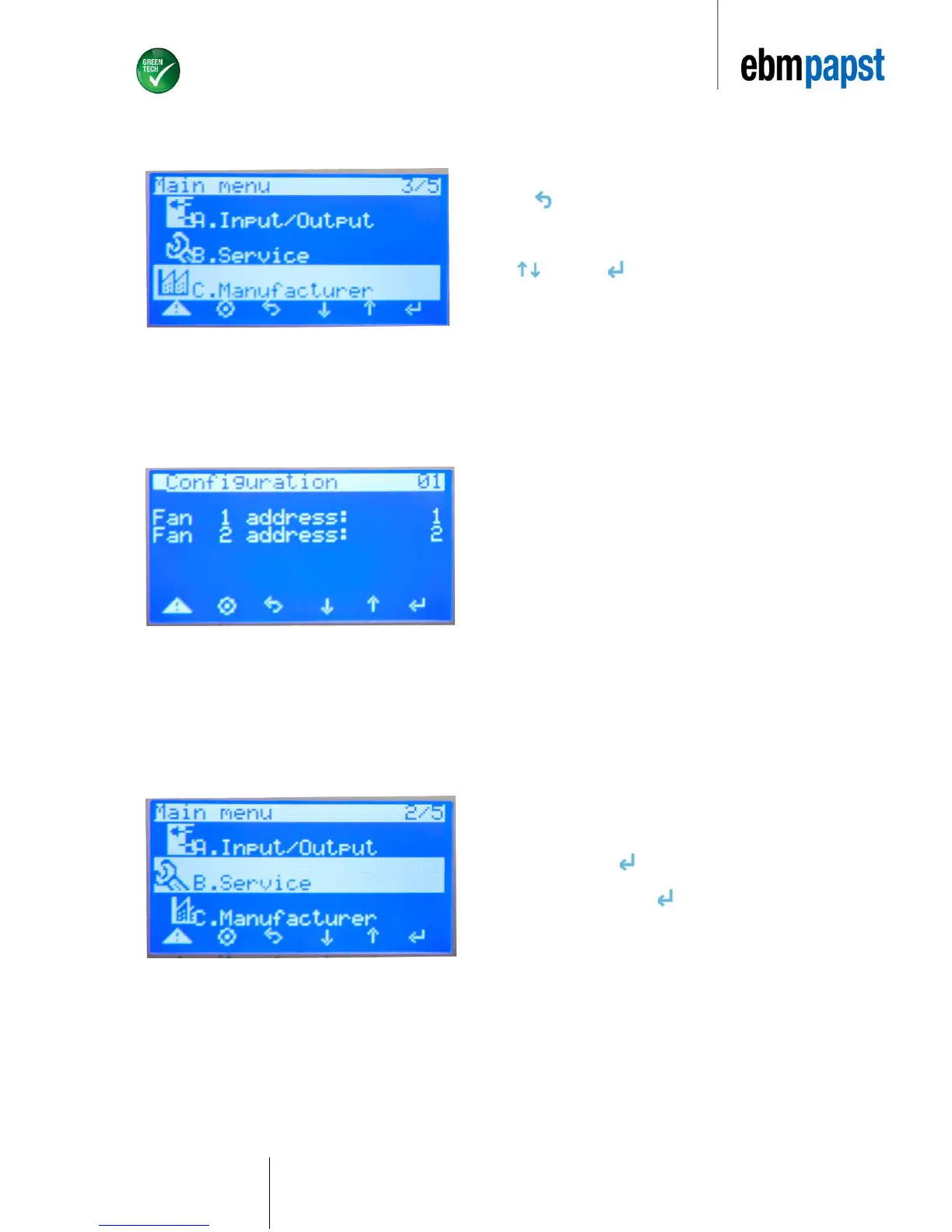
6.5.4 Adressing the fans on the EC-FAN GATEWAY controller
Press 3 times to return to Main Menu.
Select “C. Manufacturer”, enter default password as described in
Selection 6.5.2 and then select “b.I/O Configuration“ by scrolling
via and pressing .
Here you will assign the appropriate address to the respective Fan.
The address entered will have match the address that has been
initially assigned to the fan via EC-Control. Repeat steps for multiple
fans.
ebm-papst recommends that the first fan be programmed at
address 2 and the following fans thereafter to be programmed at
„n+1“.
6.5.5 Manually setting speed
Choose the following option if you want to manually control the fan
speed:
Select “B”. Service, press .
Select “d.Service Settings”, press .
Select “b.Manual”.


 To Next Page