4. Service name: enter a name for your camera (e.g. IPV38).
5. Protocol: “TCP”.
6. Public Port: set your Port Number from the previous steps.
7. Private IP: set the chosen STATIC IP from the previous steps.
8. Private Port: set our chosen Port Number again.
9. Active: set to “Active”
10. Don’t forget to apply, press ok, save or write to flash in your modem.
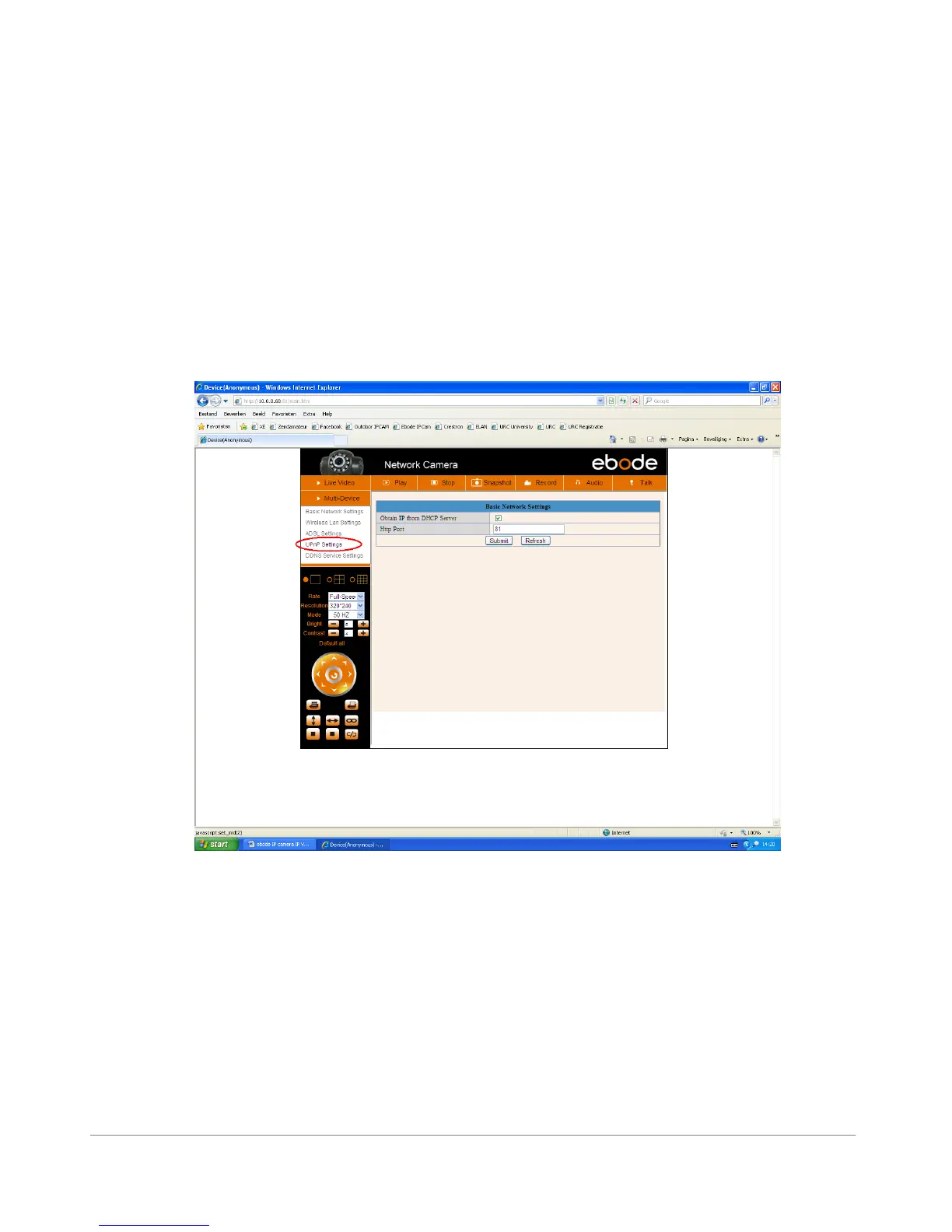
UPnP Settings (use always!)
Login to the camera with the IPCameraTool and click Network > UPnP Settings to choose Using UPnP
to Map Port:
Figure 4.3
Please select “Enable UPnP” and press “Submit”.



 To Next Page