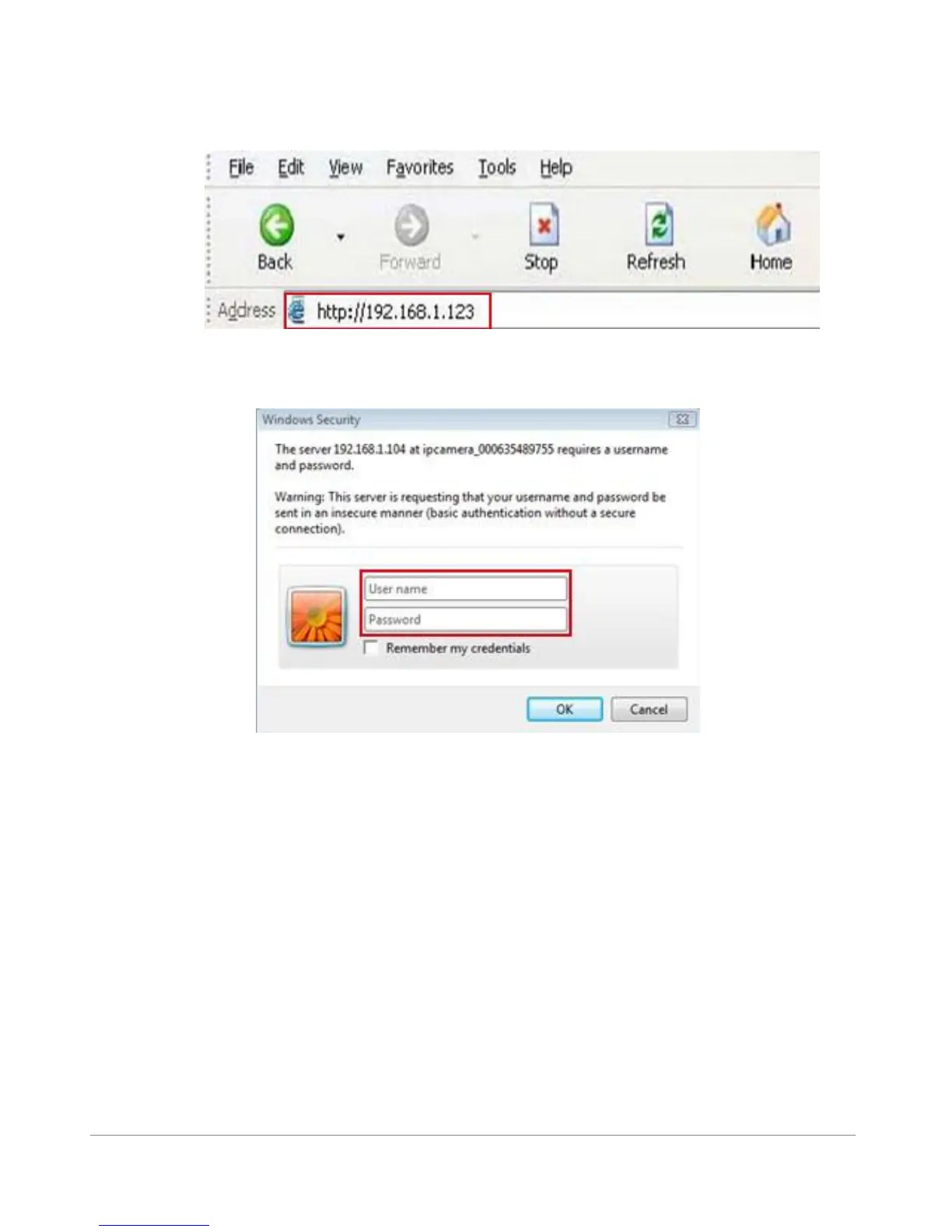
To access the camera by IE Browser directly, just type the camera’s IP address, You will find the
address of your camera with the Camera Tool (Figure 1.9). For example, if the camera’s IP address is
192.168.1.123:
Figure 2.8
The following screen will pop up after pressing “Enter”:
Figure 2.9
The default user name is admin, no password (please leave password blank)
Now your camera is ready to view from your local network
(LAN) at home, if you would like to view the camera image
from outside your LAN, for example at the office or trough
your Tablet or Smartphone, you need to take some
advanced steps. We will guide you true the steps:



 To Next Page