7
N
0
1
0
By SMS Command
You can Cancel or Activate the SMS service by sending SMS command to the unit as follows:
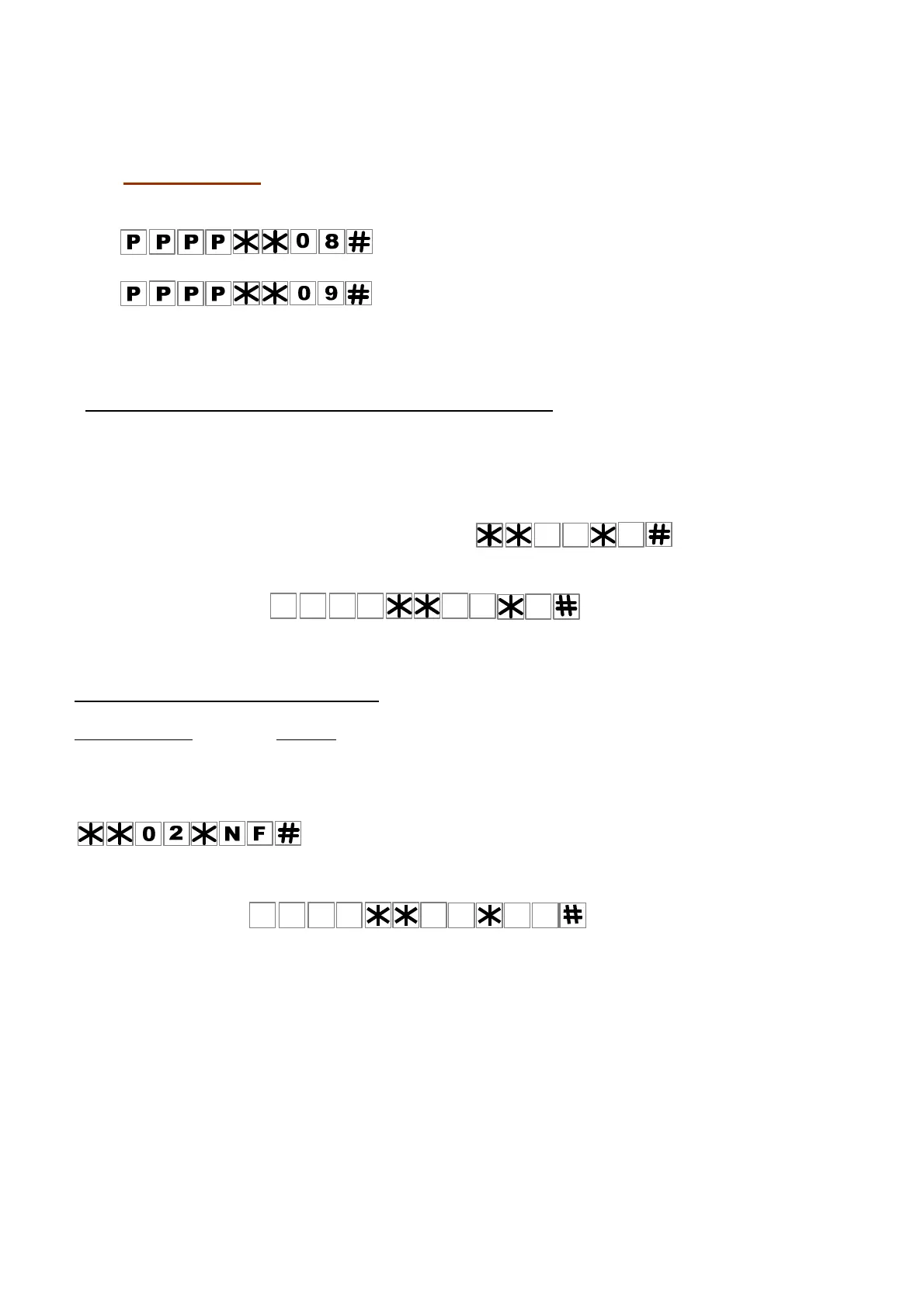
To cancel; send SMS
To Activate; send SMS
PPPP represent the four digit password.
The unit will reply by SMS as follows:
“SMS service was canceled” or “SMS service was activated”
4. How to select the Relay for the PUSH BUTTON input.
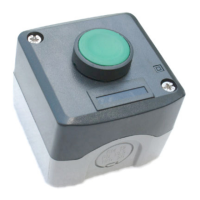
The Push Button Input can activate Relay-1 or Relay-2 OR BOTH according to the function that was chosen for the
relay. The factory default setting for the Push Button Input is to activate RELAY-1 according to the function chosen.
(The factory default is a 4 second PULSE). You can change this setting via the keypad or by SMS command.
You can choose which RELAY the PUSH BUTTON INPUT activates by using the keypad, as follows:
1. Enter program mode.
2. Use the following format to make your selection
The letter “ N “ represents the numbers 1or 2 for Relay-1 or Relay-2 or the number 3 to activate both relays.
BY SMS command:
The unit will reply by SMS message to the sender accordingly to the command send, to confirm or to say failed.
5. How to choose the Relays’ function
For each one of the relays 1 and 2 you can choose one of the following two functions;
MOMENTARY (PULSE) or LATCH function.
The factory default setting for both the relays is a MOMENTARY function (with a 4 second PULSE time).
You can change this setting via the keypad as follows:
In program mode you can select and choose the relay’s function as follows:
The letter “ N “ represent the Number 1 or 2 for Relay-1 or Relay-2.
The letter “ F “ represent FUNCTION, 1 for Momentary or 2 for Latch.
BY SMS command:
The system will send a confirmation SMS message to the sender that says:
PPPP**02*NF# CONFIRMED or PPPP*02NF# FAILED


 To Next Page