P/N A51-4473-16 Page 18 Rev 4.3.3
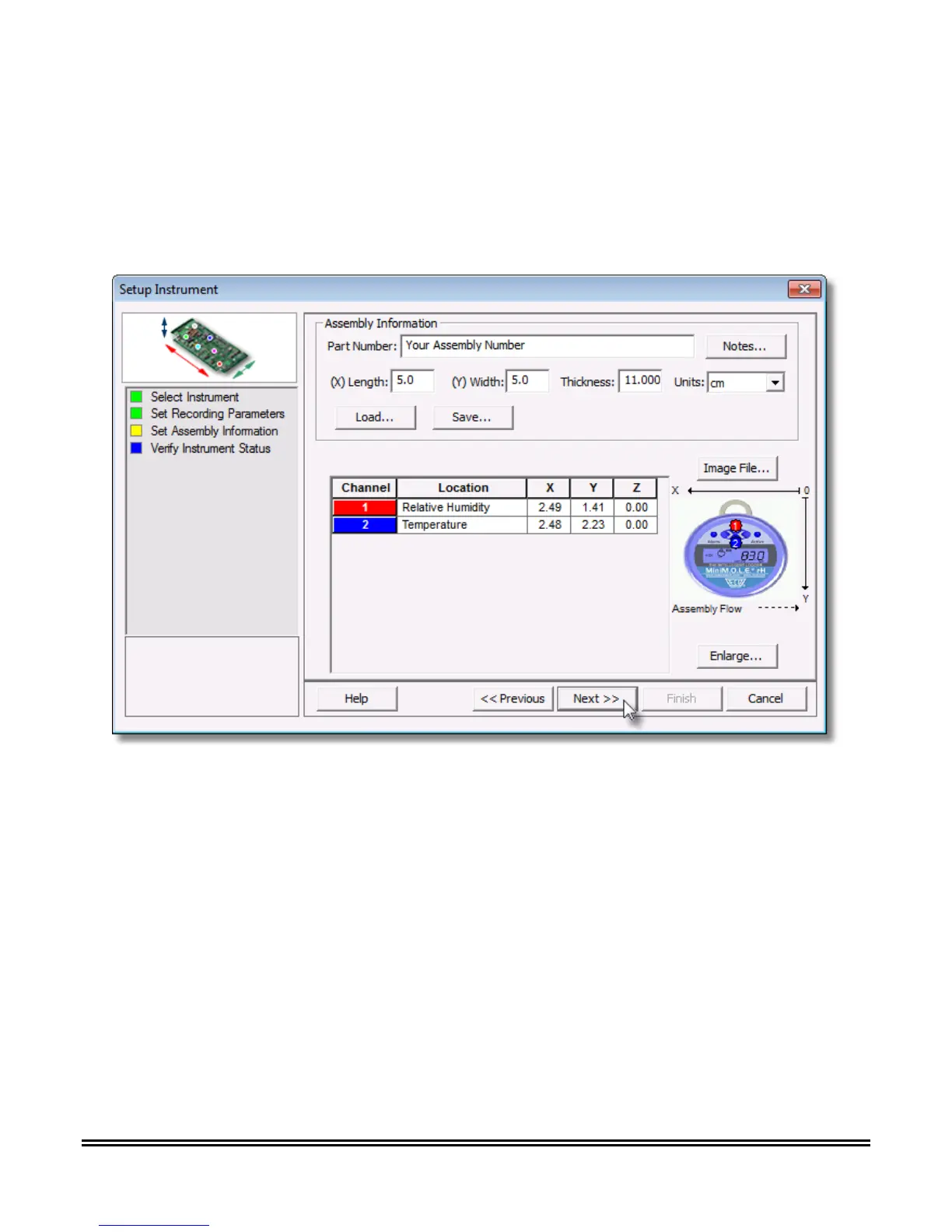
8) Set the assembly information such as part number, board size, sensor locations and a product
image. This assembly information can then be loaded and saved from/to a an (*.XMA) file.
Load: This command buttons loads an existing assembly (*.XMA).
Save: This command button saves the current sensor locations and image to an (*.XMA)
file that is then available to be loaded for future data runs.



 To Next Page